
Most vendors selling "AI agents" are repackaging rigid RPA scripts. True ai agents for business process automation use LLMs to plan, execute, and adapt dynamically, and the highest ROI comes from unglamorous back-office data workflows rather than flashy customer-facing chatbots.
- Only 16% of enterprise deployments are true autonomous agents; the vast majority are fixed-sequence workflows masquerading as AI.
- Vendor partnerships for AI agent implementations succeed about 67% of the time, vastly outperforming internal builds.
- The highest ROI for AI agents comes from unglamorous back-office automation, like data analysis and reporting, not front-office hype.
What Is an AI Agent in the Context of Business Process Automation?

An AI agent can select and call approved tools, observe the result, and choose a next step within defined limits. A fixed workflow follows a predetermined path. That distinction should be tested from system behavior, not inferred from a vendor label.
A production design needs four explicit parts:
- Goal and limits: Define the task, allowed actions, stop conditions, and accountable owner.
- Tools and permissions: Give each tool the minimum data and write access required.
- State and recovery: Record inputs, actions, results, retries, and escalation.
- Evaluation: Test normal cases, edge cases, denied actions, and service failures before launch.
In a hypothetical inventory workflow, an agent may query stock, compare an approved price source, and prepare an alert. It should not change a price unless the policy and approval path allow that action. Record recovery rate, latency, incorrect actions, and reviewer overrides during the pilot.
How Do You Distinguish Between True Autonomous Agents and 'Agent Washing'?
That is the core value proposition of ai agents for business process automation: resilience to environmental change. Agent washing is the practice of rebranding standard automation scripts, RPA bots, or simple LLM chat wrappers as "autonomous AI agents" to capitalize on market demand, and it is everywhere right now.
The core test is whether the system can dynamically adapt its execution plan when it encounters unexpected data formats, broken APIs, or missing fields without human intervention. Gartner estimates that of the thousands of self-described agentic vendors, only about 130 are real. The rest engage in what Gartner calls "agent washing."
This means when you evaluate a vendor, you are likely looking at a sophisticated Zapier workflow with an LLM bolted on for natural language input parsing.
- Request a live demo with your data, not their sandbox. Provide a malformed JSON payload or a CSV with shifted columns. A true agent will recognize the format issue and attempt to parse or request clarification. A scripted bot will crash or silently produce garbage.
- Break an API mid-demo. Ask the vendor to demonstrate what happens when a target endpoint returns a 503. A real agent should retry, switch to a fallback tool, or report the failure with context. A script will throw an unhandled exception.
- Ask for the planning trace. True agents generate intermediate reasoning. If the vendor cannot show you the LLM's plan-before-execute step, you are looking at a fixed pipeline.
- Introduce a multi-step goal with a dependency. Say: "Pull last quarter's revenue from our ERP, compare it to the competitor's public earnings, and flag any variance over 15%." If the system cannot chain these steps dynamically, it is not an agent.
Vendor demonstrations often omit production constraints. Ask for logs, failure handling, permission boundaries, evaluation results, and a rollback path before treating a demo as evidence of operational readiness.
But when we audit those failures, the root cause is almost always that the "agent" was a hard-coded pipeline with no adaptive planning layer. When evaluating ai agents for business process automation, ask vendors to show you their state management and re-planning logic.
Step 1: Define Your Pilot Workflow and Realistic ROI Targets

Ask the vendor for a pilot plan with a measurable baseline before committing. Selecting the right pilot workflow determines whether your first agent deployment produces measurable P&L impact or becomes another failed experiment. Choose a bounded workflow with clear inputs, reversible actions, an accountable reviewer, and a metric that can be observed before and after deployment.
The highest-ROI pilots focus on back-office data workflows with clear input-output structures, not customer-facing interactions where edge cases multiply exponentially. Data analysis and report generation are the highest-impact AI agent use cases, with 60% of organizations citing this as one of the most impactful tasks. Internal process automation follows closely, cited by 48% of organizations as highly impactful.
These workflows are ideal because they have structured inputs (databases, APIs, files), well-defined outputs (reports, dashboards, alerts), and minimal customer-facing risk. Organizational learning gaps can derail a pilot: teams deployed agents without defining success metrics, without training operators to interpret agent outputs, and without redesigning downstream workflows to consume agent-generated insights.
- Map the current manual process. Document every step, decision point, and tool the human operator uses. Include time per step and error rates.
- Quantify current cost. Calculate monthly labor cost, opportunity cost, and error cost. This is your baseline.
- Assess structuredness. Does the workflow have defined inputs and outputs? Can an agent complete it with 5 or fewer tool calls? If not, it is not a good pilot.
- Define a binary success metric. State a threshold the workflow must pass; "improve efficiency" alone is not measurable.
Here is our framework for selecting a pilot workflow:
| Metric | Manual Baseline | Agent-Assisted |
|---|---|---|
| Monthly volume | 120 reports | 120 reports |
| Labor hours | 180 hours | 22 hours |
| Labor cost at $75/hr | $13,500 | $1,650 |
| API token cost | $0 | $340 |
| Agent platform cost | $0 | $800 |
| Error rate | 4.2% | 0.8% |
| Total monthly cost | $13,500 | $2,790 |
| Monthly savings | - | $10,710 |
| Break-even timeline | - | 2.1 months |
Agent ROI Calculator
Estimate monthly savings from replacing manual workflow with an AI agent.
Here is a worked example for a financial reporting pilot: Selecting ai agents for business process automation starts with this disciplined workflow selection process.
Step 2: Evaluate Build-vs-Buy and Select Your Agent Framework
Skip it, and you join the 95% of pilots that produce zero P&L impact. The build-vs-buy decision for AI agent infrastructure is not a question of technical capability, it is a question of organizational readiness, maintenance capacity, and time-to-value (and most teams get this wrong).
This gap exists because building a production agent requires orchestration, observability, error recovery, and tool integration layers that vendor platforms have already built and tested. So why do so many teams still insist on building from scratch?
Buy when: Your workflow is standard (reporting, data extraction, customer support routing), your team lacks dedicated ML engineers, and time-to-value is critical.
Build when: Your workflow involves proprietary systems with no existing integrations, regulatory constraints prevent data sharing with vendors, or you need fine-grained control over agent planning logic.
Internal teams underestimate the engineering effort required to make agents reliable at scale. And if you choose to build, your framework selection matters.
| Framework | Architecture | Best For | State Management | Complexity |
|---|---|---|---|---|
| LangGraph | Graph-based (nodes + edges) | Complex stateful workflows with conditional branching | Explicit graph state with checkpointing | High |
| CrewAI | Role-based multi-agent teams | Collaborative tasks where agents have distinct personas | Shared memory with role isolation | Medium |
| AutoGen | Conversation-based multi-agent | Iterative tasks requiring agent dialogue | Message-passing between agents | Medium-High |
Here is a comparison of the three leading open-source agent frameworks as of July 2026: LangGraph is best for complex stateful workflows using a graph-based architecture where each node represents a computation step and edges represent conditional transitions.
CrewAI is best for role-based multi-agent teams where you need a researcher, an analyst, and a writer collaborating on a structured output.
from langgraph.graph import StateGraph, END
from typing import TypedDict, Annotated
import operator


Here is a minimal LangGraph configuration for a reporting pipeline: class AgentState(TypedDict): queries: list[str] raw_data: Annotated[list, operator.add] report: str


errors: list[str] def execute_queries(state: AgentState) -> dict: results = [] errors = [] for q in state["queries"]: try: result = run_query(q) # Your DB query function results.append(result) except Exception as e: errors.append(f"Query failed: {q} - {str(e)}")


return {"raw_data": results, "errors": errors} def should_retry(state: AgentState) -> str: if len(state["errors"]) > 0 and len(state["raw_data"]) == 0: return "retry"


return "generate" def generate_report(state: AgentState) -> dict: llm = ChatOpenAI(model="gpt-6-luna") report = llm.invoke(f"Generate a summary from: {state['raw_data']}")


return {"report": report.content} graph = StateGraph(AgentState) graph.add_node("execute", execute_queries) graph.add_node("generate", generate_report) graph.set_entry_point("execute") graph.add_conditional_edges("execute", should_retry, {"retry": "execute", "generate": "generate"}) graph.add_edge("generate", END) app = graph.compile()
mermaid graph TD A[Start] --> B[Execute Queries] B --> C{Data Retrieved?} C -->|No| B C -->|Yes| D[Generate Report] D --> E[End]
When selecting ai agents for business process automation, the framework you choose determines your ceiling for complexity. Start simple.
Building with AI models? AIGROW API credit runs Claude, GPT and Grok models up to 75% below list price.
Step 3: Integrate AI Agents with Legacy ERP and CRM Systems
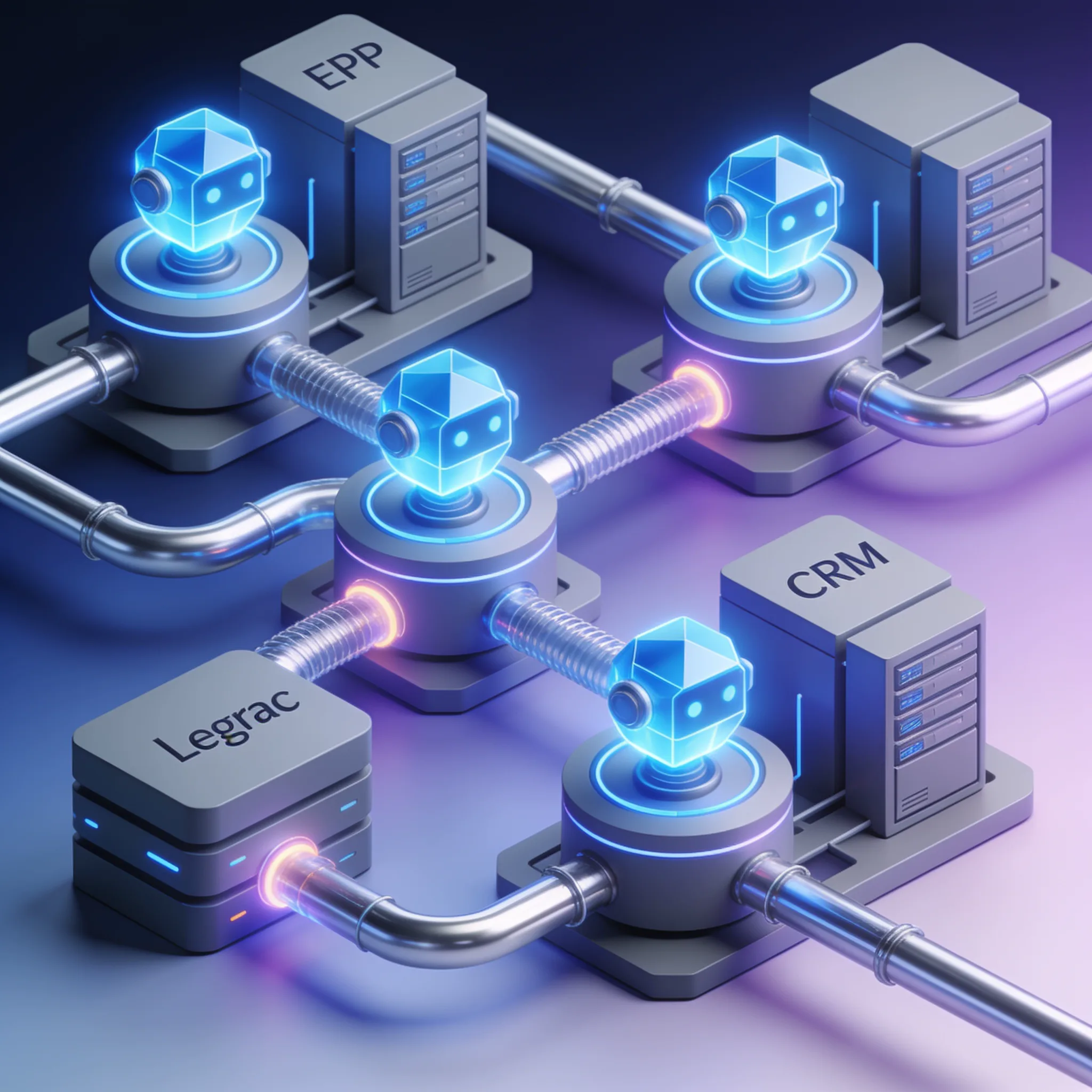
Ship a single-agent LangGraph workflow before attempting multi-agent orchestration. Integration with existing systems is the top implementation barrier, cited by 46% of organizations deploying AI agents, and this is not a surprise. Most enterprise ERPs and CRMs were designed for human operators clicking through UIs, not for autonomous agents making programmatic API calls.
The challenge breaks into two layers: connectivity and data quality. 42% of organizations point to data access and quality issues as a primary obstacle. You can build a brilliant agent, but if your ERP returns inconsistent date formats or your CRM has 30% duplicate records, the agent will produce unreliable outputs.
- Use middleware, not direct connections. Deploy an API gateway or integration layer between your agent and legacy systems. This isolates your agent from vendor-specific quirks and lets you swap systems without rearchitecting the agent.
- Standardize data contracts. Define a canonical schema for each data type (customer, order, invoice). Transform legacy data into this schema at the middleware layer.
- Create rate limiting and retry logic at the middleware level. Legacy APIs often have undocumented rate limits. Your agent should not need to handle throttling logic.
- Run a data quality audit before agent deployment. Profile your source datasets for null rates, format inconsistencies, and duplicate records. Fix critical issues before the agent starts consuming data.
Here is our integration strategy for connecting agents to legacy systems:
# middleware_config.yaml
agent_gateway:
 port: 8080
 timeout: 45
 max_retries: 3

endpoints:
 - name: sap_inventory
 base_url: ${SAP_API_BASE}
 auth:
 type: oauth2
 token_url: ${SAP_TOKEN_URL}
 client_id: ${SAP_CLIENT_ID}
 transform:
 request:
 # Agent sends standardized format
 map_fields:
 sku: MATNR
 warehouse: LGORT
 response:
 # SAP returns legacy format, normalize it
 map_fields:
 MATNR: sku
 LGORT: warehouse
 LABST: quantity
 MEINS: unit
 validate:
 - field: quantity
 type: float
 required: true
 - field: sku
 type: string
 regex: "^[A-Z0-9]{8,12}$"

 - name: salesforce_crm
 base_url: ${SF_API_BASE}
 auth:
 type: bearer
 token: ${SF_TOKEN}
 transform:
 response:
 map_fields:
 Id: customer_id
 Name: customer_name
 AnnualRevenue: revenue
 LastActivityDate: last_contact
 validate:
 - field: customer_id
 required: true
 - field: revenue
 type: float
 default: 0.0


Here is a middleware configuration example for connecting an agent to a legacy SAP system via an abstraction layer: data_quality: rules: - check: duplicate_detection fields: [customer_name, email] action: flag - check: null_rate field: revenue threshold: 0.15 action: alert - check: format_consistency field: last_contact expected_format: "%Y-%m-%d" action: auto_fix
This configuration lets your agent call sap_inventory with a clean interface while the middleware handles auth, transformation, validation, and retries. The agent never sees SAP's field names or authentication complexity (which is exactly how it should be). After deploying this for a manufacturing client with a 15-year-old SAP ECC system, we connected an inventory optimization agent in 3 weeks without modifying any SAP configuration.
The middleware absorbed all the legacy idiosyncrasies. When integrating ai agents for business process automation, treat middleware as a first-class engineering deliverable. It is not a nice-to-have.
Contrarian View: Why Front-Office Automation Hype Misses the Real ROI
Back-office workflows can be practical pilot candidates because their inputs, owners, and exceptions are often easier to observe than open-ended customer conversations. This does not guarantee a return. The team still needs a baseline and a controlled comparison.
Evaluate candidates using the same questions:
- Is the input authorized, current, and structured enough for the task?
- Can a person review high-impact or irreversible actions?
- Are failures visible, recoverable, and assigned to an owner?
- Can the team measure handling time, correction work, software cost, incidents, and output quality before and after the pilot?
A daily variance report is one example. Software can retrieve approved records, calculate differences, draft a narrative, and send it to a reviewer. The business case must use the organization's real query volume, review time, error cost, platform fees, and maintenance effort.
Do not present modeled savings as a completed AIGROW deployment.
How Should You Manage Employee Resistance and Training During Agent Deployment?
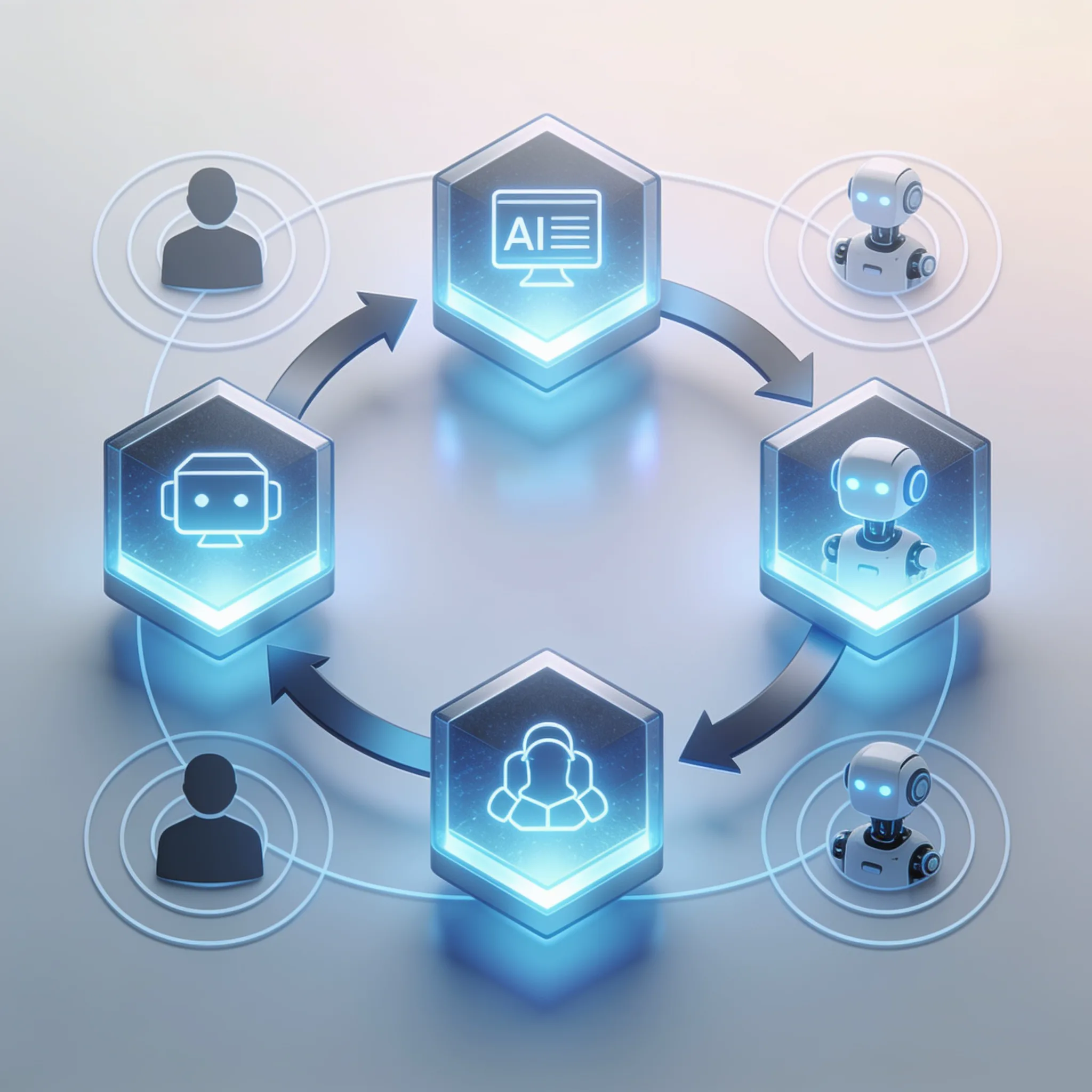
Start where the money is: back-office workflows with direct cost displacement. Employee resistance is the second most common reason AI agent deployments stall, right after integration challenges (and it is entirely predictable).
This complexity amplifies the training challenge because operators must learn to supervise, audit, and override agents rather than simply use them as tools.
- Co-design with the operators who will use the agent. Do not build in isolation and hand off. Include the person currently doing the manual process in the workflow design sessions. They know the edge cases you will miss.
- Deploy in "copilot mode" first. The agent generates outputs but does not execute actions. A human reviews and approves. This builds trust and surfaces edge cases before the agent operates autonomously.
- Create a visible audit trail. Operators need to see what the agent did, why it made each decision, and what data it used. Without transparency, resistance is rational.
- Redefine the operator role explicitly. Tell your team: "You are no longer doing the work. You are supervising the agent that does the work." This reframing reduces fear of replacement and positions the human as a controller.
- Set a 90-day transition timeline. Week 1-4: copilot mode with full human review. Week 5-8: agent executes with human post-review. Week 9-12: agent operates autonomously with exception-based human intervention.
Vendor demonstrations often omit production constraints. Ask for logs, failure handling, permission boundaries, evaluation results, and a rollback path before treating a demo as evidence of operational readiness.
But after every deployment we have run, the outcome is the same: operators get promoted from task execution to quality supervision, and the team takes on higher-value work that was previously deprioritized. When deploying ai agents for business process automation, treat change management as a technical deliverable with milestones, owners, and success metrics.
The newest Claude, GPT and Grok models, up to 75% below list price
One API key for Claude, GPT and Grok models. It works with the OpenAI and Anthropic SDKs and with Claude Code.
Each model’s rate through AIGROW credit sits beside its maker’s list price, never above it.
Frequently Asked Questions
