
A resilient business process automation strategy prioritises high-frequency, messy-data processes over complex human judgments, which is why most strategies fail to reach the bottom line. This guide covers the dual-filter scoring framework for choosing workflows, the integration architectures that survive contact with legacy systems, and the CI/CD pipelines that keep agents reliable in production.
- Process selection is the highest predictor of automation success; prioritizing high-volume, moderate-complexity tasks yields faster ROI than ambitious, judgment-heavy workflows.
- A successful business process automation strategy requires rigorous data security, continuous workflow maintenance, and proactive change management to prevent team rehiring.
- Measuring ongoing ROI demands tracking specific operational metrics like time savings and error reduction, rather than relying solely on initial deployment milestones.
Why Do Most Business Process Automation Strategies Fail to Deliver Bottom-Line Impact?

A failing strategy usually prioritizes technical capability over process judgment. This leads to silent failures. Teams buy expensive tools, point them at broken processes, and wonder why the ROI never materializes (which happens constantly).
The real constraint is judgment. It's what we see constantly. Some companies that replaced whole teams with AI moved faster than expected but ended up quietly rehiring within months because they automated the wrong steps.
A task that takes two hours but happens twice a year is a bad automation target, while a ten-minute task repeated forty times a day is an excellent one. But if your process depends on context, negotiation, or reading between the lines, it leans away from clean automation, and you cannot ask an AI agent to fix a fundamentally broken business process.
To avoid this trap, we must shift our focus immediately. Stop asking what you can automate with new models. Instead, start asking which workflows possess the rules and data required for a machine to execute them flawlessly.
- [ ] Audit current processes for actual frequency, not just perceived frequency.
- [ ] Classify each process as strictly rule-based or requiring human judgment.
- [ ] Calculate the financial risk of a single automated error in that workflow.
- [ ] Verify if the required data exists in a structured, accessible format.
- [ ] Stop funding automation projects for tasks that require deep negotiation or empathy.
Step 1: Prioritize Workflows Using a Dual Filter and Scoring Framework
Teams sometimes choose a platform before mapping workflow logic. Define the process, baseline, exceptions, controls, and ownership before evaluating products.
- Frequency and volume: Does this happen dozens of times a day?
- Rule-based vs judgment-based work: Are the steps clearly defined?
- Error cost and compliance risk: What happens if the agent makes a mistake?
- Data readiness: Is the necessary data structured and accessible?
To identify the right targets, apply a 4-Filter Framework. If a process depends on information scattered across spreadsheets, inboxes, and someone's memory, the automation project will become a data cleanup project. You must filter these out early.
Next, you must apply an AI automation scoring matrix. Score processes 1 to 5 on Frequency, Data messiness, Decision complexity, Error cost, and Current pain. The sweet spot for AI automation is high volume, messy data, moderate decision complexity, and moderate error cost.
Processes scoring 18 or higher are prime candidates.
def score_process(freq, messiness, complexity, error_cost, pain):
 # Score each metric 1-5
 total = freq + messiness + complexity + error_cost + pain
 if total >= 18:
 return "Prime candidate for AI automation"
 elif total >= 12:
 return "Needs manual review before automation"
 else:
 return "Do not automate"


# Example: Invoice processing
# High freq (5), messy data (4), low complexity (2), moderate error (3), high pain (5)
print(score_process(5, 4, 2, 3, 5))
# Output: Prime candidate for AI automation
Here is a copy-pasteable Python script configuration to score your processes. Use this scoring system to rank your entire workflow backlog.
Step 2: Transition Processes From Manual to Automated Without Disruption

Do not let executive excitement override the data. Transitioning a manual workflow to an AI agent requires strict architectural boundaries. And you must handle legacy systems carefully to avoid disrupting daily operations.
A resilient business process automation strategy uses orchestration layers to shield agents from brittle legacy APIs. If your process involves frequent human error, such as invoice entry or payroll inputs, it delivers outsized returns when automated. But you need the right tool.
| Feature | Traditional RPA (UiPath) | AI-Driven Agents (LangChain v0.2) |
|---|---|---|
| Best Use Case | Highly structured, deterministic screen scraping. | Unstructured data parsing and routing. |
| Error Handling | Fails hard, requires manual restart. | Can self-correct via reflection and tool calls. |
| Integration Method | UI automation, brittle to screen changes. | API-first, semantic routing of requests. |
| Maintenance Cost | High, breaks on minor UI updates. | Low, relies on stable API schemas. |
Traditional RPA and AI-driven agents serve different purposes. When dealing with legacy systems that lack modern APIs, use an orchestration layer. And you can route API requests to legacy systems using a YAML configuration snippet.
api_routing:
 legacy_erp:
 endpoint: "http://internal-erp-v3/invoices"
 method: "POST"
 auth: "legacy_token"
 payload_mapping:
 vendor_name: "{{ agent_extracted_entity }}"
 amount: "{{ agent_extracted_total }}"
 date: "{{ current_date_iso }}"
 retry_policy:
 max_attempts: 3
 backoff_seconds: 5
This isolates the agent from the legacy brittleness. By placing this routing layer in front of the legacy system, your AI agent only sees a clean API. (This saves you massive headaches.) If the legacy system changes, you update the YAML file. You do not retrain the agent.
Step 3: Secure Data and Manage Change for AI Agents in Production
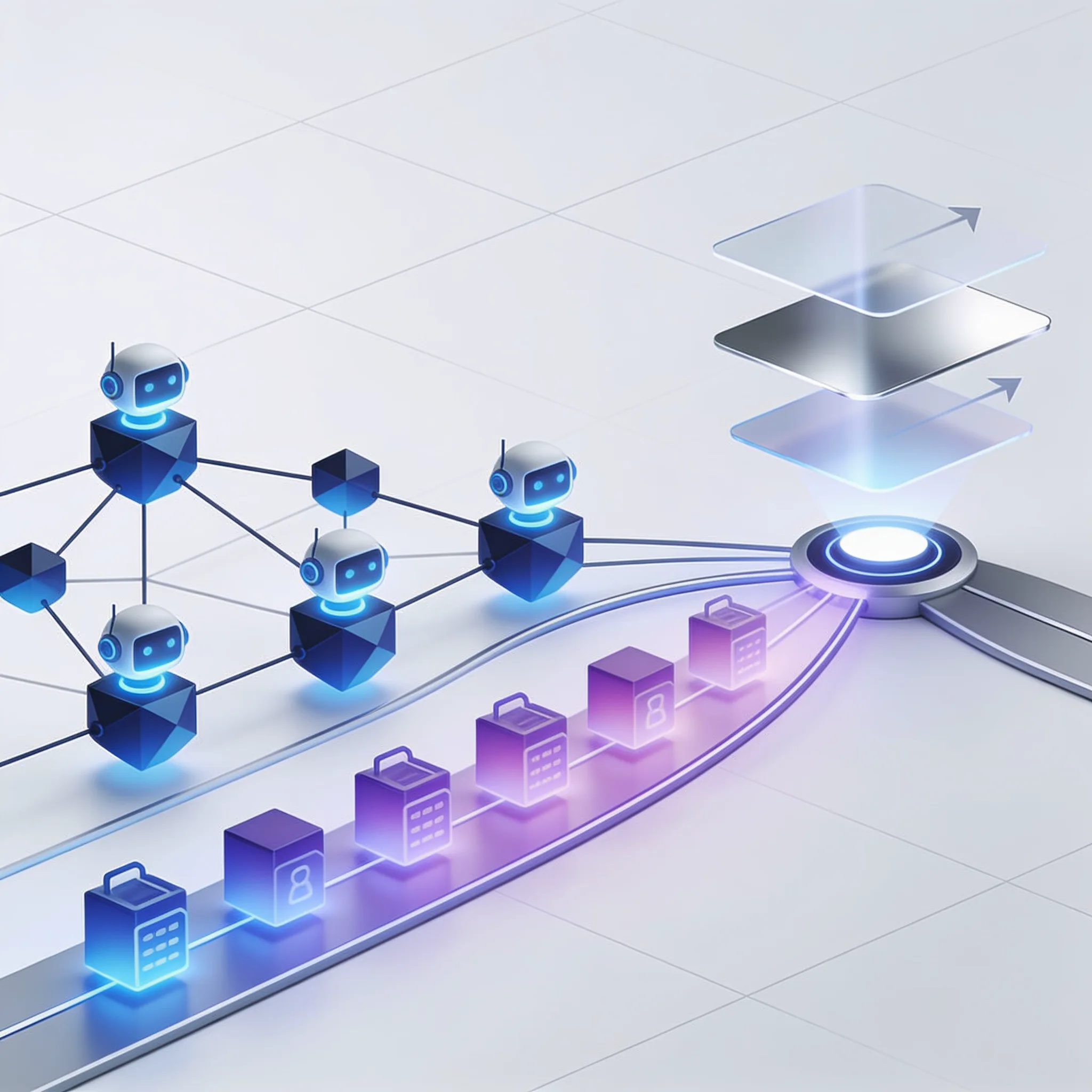
Deploying AI agents in production introduces severe data security and compliance risks. It's a serious threat. A successful business process automation strategy must include strict access controls and active change management.
If you ignore the human element, your project will fail regardless of the technical architecture. That statistic terrifies your operations team. We tackle this fear directly.
Agent context should be grounded in authorized data. Apply role-based access control so the agent sees only the information available to the human user, and test the boundary with denied-access cases.
A mid-sized logistics firm fully automated their complex shipment routing agent last year. They completely failed to build RBAC. The agent accessed restricted client pricing data and applied it to general customer quotes.
The project was paused immediately. 1. Enforce RBAC at the prompt layer: The Semantic Kernel now intercepts the user's token and filters the vector database results before the agent sees them.
2. Build human-in-the-loop approvals: For any shipment quote over $10,000, the agent drafts the email but routes it to a human queue for approval. 3.
Log all tool calls: Every database query the agent makes is logged for compliance audits.
We recovered the project by building these steps. Employee resistance drops when you show them the agent handles the tedious data extraction, while they retain approval authority. You automate the busywork. But you keep the final human judgment.
Building with AI models? AIGROW API credit runs Claude, GPT and Grok models up to 75% below list price.
How Do You Maintain and Update Automated Workflows as Business Rules Change?
Maintaining automated workflows as business rules evolve requires treating AI agents like critical software infrastructure. A business process automation strategy fails if you deploy an agent and forget it. You need CI/CD pipelines for your agents.
Weak controls often stem from poor maintenance. When an external API changes, your agent breaks. If your prompts are hardcoded, a small wording change destroys the output structure.
You must implement version control for prompts. When a business rule changes, you create a new prompt version, run automated regression tests, and deploy.
Implement automated regression testing. Feed a set of historical inputs through the new agent version. Compare the output against the expected baseline. If the error rate exceeds two percent, block the deployment. This ensures your workflows do not break silently.
Automation Maintenance Maturity Check
Assess your team's readiness to maintain AI agent workflows over time.
How do you manage prompt changes?
Measuring Ongoing Success and ROI of Your Automation Strategy
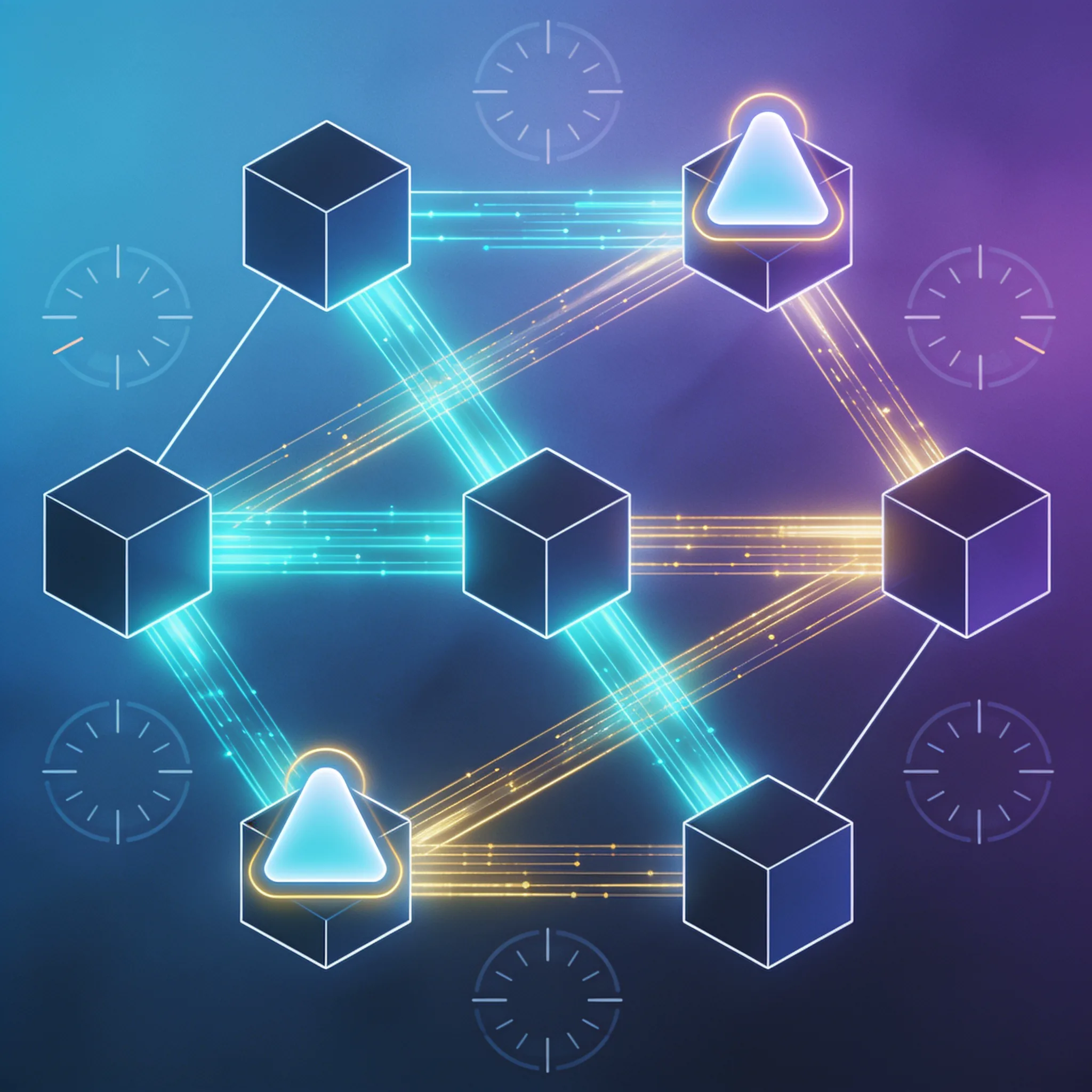
This ensures your workflows do not break silently. Measuring the ongoing success of your business process automation strategy requires tracking sustained operational efficiency and error reduction. You must move beyond initial deployment milestones.
If you only track deployment speed, you miss the long-term value. Only 48% of digital initiatives meet their business outcome targets. To ensure you are in that successful group, you must consistently track hard financial metrics over time.
Monthly Volume: 5,000 invoices. Manual Cost: $3.50 per invoice, totaling $17,500 per month. Automated Cost: $0.40 per invoice for API tokens, plus $500 monthly software hosting. Total automated cost is $2,500 per month. Monthly Savings: $15,000.
Let us look at a worked example for a mid-sized accounting firm automating accounts payable. The payback period is incredibly fast. You must establish these performance benchmarks before you deploy the agent.
these numbers to stakeholders. Do not report lines of code written or models fine-tuned. Track dollars saved and errors reduced.
BPA ROI Calculator
Calculate your monthly savings from automating a business process.
To maintain this ROI, track these three metrics monthly: - Time saved per workflow: Are your employees actually redirecting their time to higher-value work? - Error rate variance: Is the agent introducing new types of errors compared to the manual process? - Intervention rate: How often does a human need to step in and correct the agent?
If the intervention rate climbs above ten percent, your business rules have likely changed.
The newest Claude, GPT and Grok models, up to 75% below list price
One API key for Claude, GPT and Grok models. It works with the OpenAI and Anthropic SDKs and with Claude Code.
Each model’s rate through AIGROW credit sits beside its maker’s list price, never above it.
Frequently Asked Questions
