
AI agents for business automation are autonomous software systems that execute multi-step workflows without constant human oversight. Operators must adopt a hybrid build-and-buy approach to see real return. This guide covers how to identify the highest-impact workflows, how to bridge the system integration gap that stalls most deployments, and how to calculate return on a specific agent.
- Choose a bounded workflow with known inputs, outputs, exceptions, and ownership before adding an agent.
- Measure completed work, correction rate, recovery time, total operating cost, and incidents against the manual baseline.
- Protect write actions with scoped credentials, approval gates, logs, rate limits, and a tested fallback path.
What Are AI Agents for Business Automation?
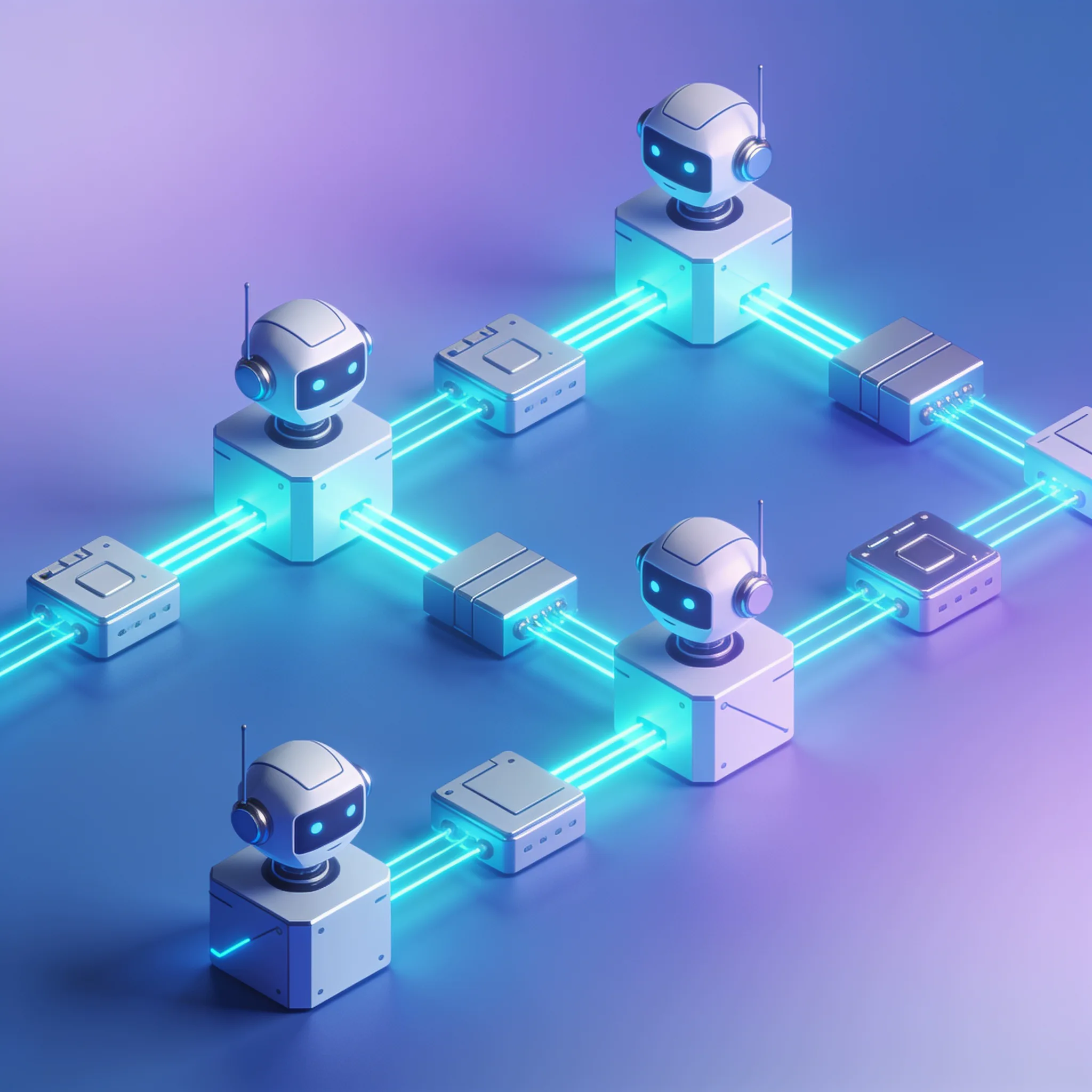
AI Agents for Business Automation adapt to changing data on the fly. Think of traditional Robotic Process Automation (RPA) as a train on fixed tracks, because it only goes where the rails are laid and stops completely when the track ends. But an AI agent acts like a self-driving car.
You give it a destination, and it navigates traffic, road closures, and detours to reach the goal safely.
But traditional RPA requires exact data formats. If an invoice moves a single field, the brittle bot breaks completely and halts your entire operation.
Agents use vision and language models to read documents exactly like a human would, extracting the right data regardless of format. AI Agents for Business Automation represent a fundamental leap in software capability. We've watched these systems handle messy PDFs that broke previous RPA scripts for years.
They reason through the changes.
AI agents may reduce some maintenance when an interface changes, but that behavior must be tested because layout and policy changes can still break a workflow. Start with a bounded process that has clear inputs, permissions, stop conditions, and an accountable reviewer.
- Autonomy: Agents make complex multi-step decisions without requiring human approval at every single stage of the process.
- Adaptability: They handle unstructured data like emails and PDFs easily, which traditional scripts cannot parse.
- Tool Use: Agents can search the web, query databases, and trigger external APIs to complete their assigned goals.
Do not automate a broken process. You will just scale the mess exponentially. And we strongly recommend treating the agent like a new intern, which means you must audit the task, map the data flow, and define the goal clearly before deployment. That's how you prevent costly errors.
Key Takeaway: Do not treat AI agents as fancy scripts. They are autonomous digital workers that adapt to unstructured data and multi-step goals, making them far more resilient than traditional RPA systems ever were.
Step 1: Identify Your Highest-Impact Automation Workflows
Start with a workflow whose inputs, outputs, review path, and baseline are already visible. Data analysis and recurring reports may qualify, but the team should rank candidates using its own task volume, handling time, error cost, and data readiness.
The pattern is clear: agents fail without strict data boundaries. You must tell the agent exactly where to pull data and what format the final report needs, or it will hallucinate useless output. Here is the exact step-by-step workflow to transition a manual data analysis process to an AI agent.
Why risk an unbounded deployment?
But you should pick one workflow to start. Do not try to automate ten things at once.
- Audit Current Tasks: Document every step a human takes to generate a weekly report, including the software used, the data sources accessed, and the time spent on each phase.
- Map the Data Flow: Identify where raw data lives. Is it in a CRM, a database, or a Google Sheet? Ensure the agent can access these systems securely without exposing sensitive customer data.
- Define the Agent Goal: Write a clear prompt. Instead of "analyze sales," use "pull weekly revenue from the CRM, calculate the 10% growth target, and output a three-paragraph summary to Slack."
Do not try to automate everything at once. A focused deployment on a single report generation task will prove the concept and build internal trust for larger projects. Are you prepared to tackle these integrations?
Data access and quality issues are a primary obstacle for 42% of organizations. AI Agents for Business Automation are completely useless if they cannot talk to your legacy software. You must bridge this gap using APIs and middleware, which act as the critical translation layer between old databases and new agents.
An API (Application Programming Interface) is a bridge that lets two different software programs talk to each other.
Key Takeaway: Start with data analysis and report generation. Audit the manual process, map the data flow, and define strict output goals to ensure your AI agent succeeds on day one. This is our strict rule.
Step 2: Bridge the System Integration Gap

Middleware is a digital connector that sits between your AI agent and your databases, translating data so both sides can understand it perfectly. Instead of writing custom code for every integration, smart operators use middleware platforms to save engineering hours. We never reinvent the wheel.
Tools like Zapier or Make connect agents to thousands of legacy systems without requiring heavy engineering or specialized developer time. They provide pre-built connections to popular CRM and ERP platforms. Here is a simple JSON webhook payload showing how middleware sends data to an AI agent, which fires automatically when a new support ticket arrives.
The agent reads the payload, classifies the issue, and drafts a response. This entirely bypasses the need for direct database access. And it is fast, secure, and highly scalable for growing operations.
Addressing system integration is absolutely non-negotiable for AI Agents for Business Automation. We refuse to deploy agents without a solid integration plan, because disconnected tools simply cannot perform in production environments.
{
 "trigger": "new_support_ticket",
 "data": {
 "ticket_id": "84729",
 "customer_email": "client@business.com",
 "issue": "Cannot reset password",
 "tier": 1
 },
 "action": "classify_and_respond"
}
Without access to live data, agents hallucinate or fail completely. Middleware solves the data access barrier cheaply and effectively. But building AI Agents for Business Automation from scratch is expensive, while buying entirely pre-built agents often leaves you with a tool that does not fit your specific workflow.
How do you solve this?
We strongly advise a hybrid approach. This is the most effective path.
- Identify data silos: Know exactly where your critical business data lives and who controls access to it.
- Select middleware: Pick a tool that connects to your specific software stack without requiring custom authentication layers.
- Test API limits: Ensure your legacy software can handle automated data pulls without crashing or timing out.
Key Takeaway: Do not let legacy systems block your automation plans. Use middleware platforms to bridge the integration gap and feed your AI agents the precise data they need to function properly.
Step 3: Adopt a Hybrid Approach to Build and Buy
Meanwhile, 21% rely entirely on pre-built agents, while 20% build their own using APIs or open source. The data proves operators want control without massive build costs. Consider a mid-market logistics business that needs to process hundreds of shipping documents daily.
We see this pattern constantly.
They buy an off-the-shelf AI agent for data extraction from shipping manifests, and the agent reads PDFs perfectly. However, the business writes custom logic to map that extracted data into their proprietary inventory CRM. This hybrid model gets them live in weeks, not months.
Why wouldn't you take this route?
The off-the-shelf model handles the heavy lifting of reading messy documents. Your custom code handles the business logic of updating the CRM, which significantly reduces risk across the entire deployment. If the base model fails to read a specific format, you only swap the agent, not your entire system.
AI Agents for Business Automation require specific orchestration.
| Approach | Setup Time | Cost | Flexibility |
|---|---|---|---|
| Off-the-Shelf | Low (Days) | Low | Very Low |
| Custom-Built | High (Months) | High | Very High |
| Hybrid | Medium (Weeks) | Medium | High |
The true value comes from how you connect the pieces, not the base model itself. Off-the-shelf tools are great for generic tasks, but custom code is absolutely necessary for building a durable competitive advantage. Calculating the return on investment for AI Agents for Business Automation requires a simple framework.
You compare the cost of manual labor against the cost of agent deployment, factoring in time saved and error reduction. Operators must justify the spend.
Key Takeaway: Do not choose between building or buying. Use a hybrid approach. Buy pre-built agents for generic tasks like data extraction, and write custom code to integrate them directly into your specific business logic.
How Do You Calculate the ROI of an AI Agent?
Here is a worked example. A company generates 500 monthly financial reports. A human takes 2 hours per report at $30 per hour, resulting in $30,000 in monthly labor costs. That is an unsustainable expense.
The break-even point is less than one month. Small and mid-sized businesses are significantly more likely to struggle with employee resistance and training needs (51%) compared to larger enterprises. Workers fear AI Agents for Business Automation will replace them.
Operators must manage this transition carefully. Do not deploy agents in secret.
Transparency builds essential team trust.
Agent ROI Calculator
Estimate your monthly savings from deploying an AI agent for business automation.
- Manual Cost: Hours multiplied by hourly wage, including benefits and overhead.
- Agent Cost: Software licenses, API token usage, and necessary cloud hosting.
- Error Reduction: Fewer mistakes mean less money wasted on manual corrections and customer service escalations.
Key Takeaway: Use a strict ROI formula that includes software, hosting, and API costs. The break-even point for AI agents in data-heavy workflows is often less than 30 days. We always demand these numbers upfront.
Building with AI models? AIGROW API credit runs Claude, GPT and Grok models up to 75% below list price.
Change Management: Overcoming Employee Resistance in SMBs

Involve your teams early in the process. Ask them which tedious tasks they hate doing, and frame the AI as a tool to eliminate boring work rather than a replacement for human judgment. This reframing is critical for adoption.
Consider a hypothetical logistics workflow in which an agent prepares a recommendation and staff approve exceptions. Measure processing time, correction rate, escalation volume, and staff feedback during a pilot. The values must come from the actual pilot rather than a promised benchmark.
Provide hands-on workshops for your staff. Let employees break the agent in a sandbox environment, because when they see it make mistakes, they understand exactly why human oversight is still required. This builds realistic expectations.
Many operators believe buying a pre-built agent is a quick, plug-and-play fix, but this is a dangerous myth. The data shows 21% of organizations rely entirely on pre-built agents, while 20% build their own using APIs or open source. The purely off-the-shelf approach often fails in production.
Pre-built AI Agents for Business Automation fail without custom workflow integration and proper data access.
- Involve teams early: Let employees help choose which workflows to automate based on their daily pain points.
- Reframe the narrative: Position AI as a time-saver that removes data entry, not a machine meant to eliminate jobs.
- Provide hands-on training: Give staff safe environments to test the agent before pushing it into live production workflows.
Key Takeaway: Overcome resistance by involving employees early in the process. Frame AI as a tool to kill tedious tasks, and provide hands-on training so staff feel confident working alongside their new digital coworkers.
The Contrarian View: Why Pre-Built AI Agents Are Not a Silver Bullet
A generic agent can summarize text well, but it cannot natively understand your proprietary sales pipeline or your specific customer refund policy. The base model is just a brain. It needs hands and rules to function properly within your business environment.
The true value of AI Agents for Business Automation lies in the custom orchestration layer, not the base model. Buying a pre-built agent without a plan to integrate it is like buying a car engine without a chassis, because it runs but cannot take you anywhere. Here is a simple architecture diagram showing how the base model differs from the orchestration layer.
The custom orchestration layer handles security, data routing, and business rules.
It ensures the agent only executes actions within approved parameters. Off-the-shelf agents lack this deep integration. They cannot safely trigger your internal workflows without custom code connecting them to your secure databases.
Operators must stop looking for a magic silver bullet, because no single tool will solve all your automation problems instantly. We see operators fail when they expect otherwise.
The competitive advantage comes from the integration, not the model itself. Deploying AI Agents for Business Automation requires a tactical approach, meaning you need a 30-day plan to get your first agent live.
This is your starting point. Do not start with a complex, high-risk process, because failures will destroy internal trust and stall future deployments. Start small and safe.
Key Takeaway: Pre-built agents are just engines. You must build a custom orchestration layer to connect the agent to your specific data and business rules for it to deliver real value.
The 30-Day Action Plan to Deploy Your First Business Automation Agent
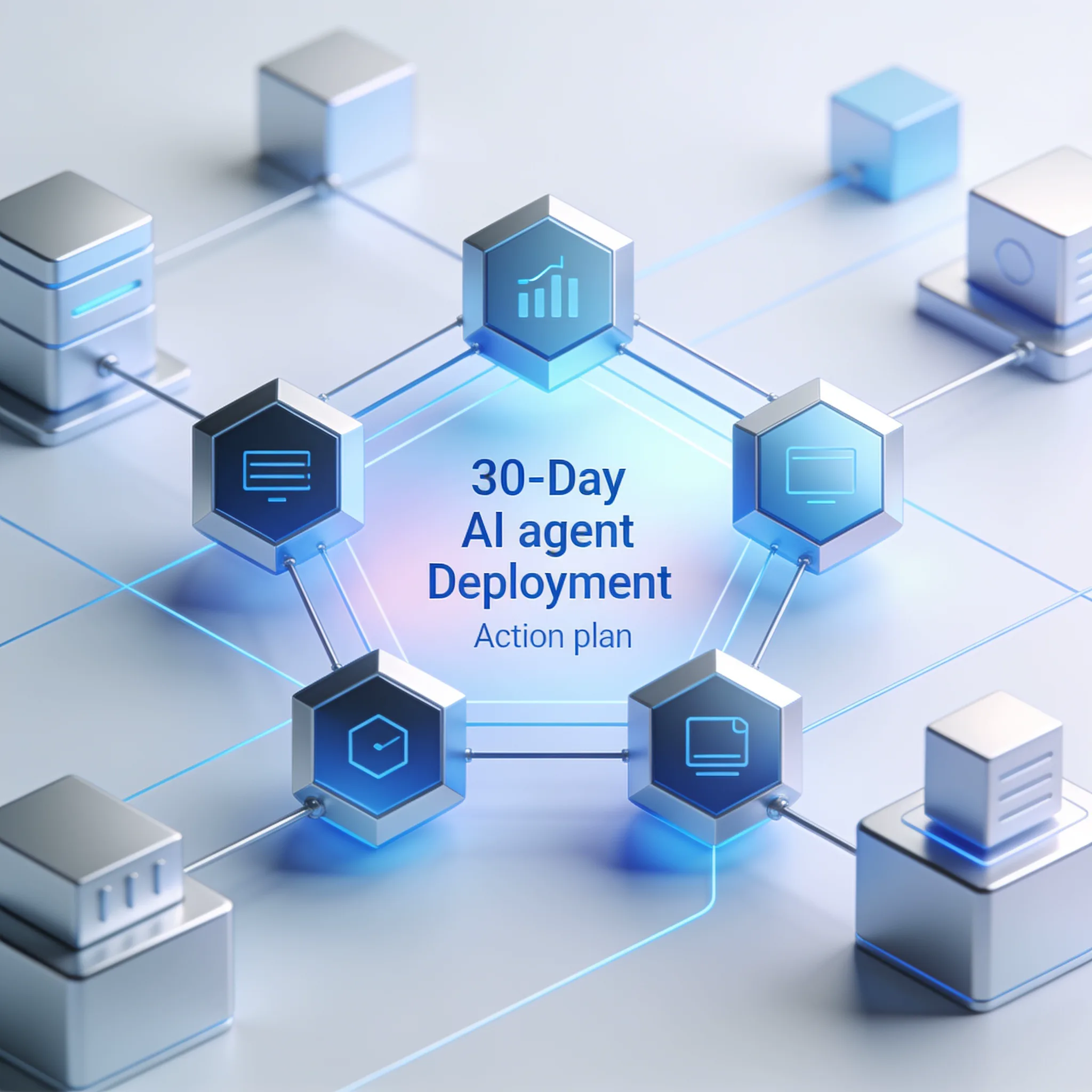
Start with data analysis and reporting. It is low risk and high visibility. Here is your 3-step action plan to deploy AI Agents for Business Automation, which are not a future concept but a tool ready for deployment today.
Follow this 30-day plan to prove the value to your team and your bottom line. We guarantee this framework works. 1.
Select a Research and Reporting Workflow (Days 1-10): Choose a manual report your team generates weekly. Define the exact data sources the agent needs to read. Write a clear prompt detailing the required output format.
Since 57% of organizations deploy agents for multi-stage workflows, ensure your task has at least two steps, like pulling data and then summarizing it. 2. Integrate via Middleware (Days 11-20): Connect your agent to your data sources using a middleware tool.
Do not write custom API integrations yet.
Use Zapier or Make to pull data from your CRM and feed it to the agent. Test the agent in a sandbox environment to ensure the output is highly accurate. 3.
Scale to Cross-Functional Processes (Days 21-30): Once the report runs flawlessly, connect it to another department. Route the finished report automatically to a Slack channel or an email list. Moving your agent out of a silo puts you ahead of the market.
Key Takeaway: Start with a low-risk research and reporting workflow. Use middleware to integrate fast, and push to cross-functional deployment within 30 days to beat market adoption rates. That's how you execute.
The newest Claude, GPT and Grok models, up to 75% below list price
One API key for Claude, GPT and Grok models. It works with the OpenAI and Anthropic SDKs and with Claude Code.
Each model’s rate through AIGROW credit sits beside its maker’s list price, never above it.
Frequently Asked Questions
