
AI automation lets small teams compete with enterprise efficiency by automating repetitive tasks, cutting operating costs by up to 30 percent and freeing fifteen hours a week. Success comes from automating the right 30 percent of operations, not everything. This guide covers prioritising targets, building a stack to budget, and rolling out in phases with data security first.
- Start with a repetitive, bounded task whose volume, handling time, errors, and owner can be measured.
- Choose tools from workflow fit, integrations, data controls, expected volume, and current total cost rather than adoption claims.
- Run the automated and manual paths in parallel, review exceptions, and expand only after the pilot meets its acceptance criteria.
- Keep a recovery path and an accountable person for every automated action that can affect a customer or financial record.
What Is AI Automation for SMBs?

AI automation for SMBs is the use of artificial intelligence to perform repetitive business tasks without human intervention. Think of it as hiring a digital employee who works around the clock, never takes a lunch break, and handles the grunt work so your team can focus on growth. It does not replace your staff.
It removes the busywork that buries them.
That number tells a clear story. If you are not automating, you are now in the minority.
But the adoption curve is accelerating fast. This is not a trend. It is a structural shift, and here is where the gap widens.
The businesses that move now will lock in advantages that latecomers may never close. The practical guide is simple.
What AI automation actually replaces in a typical SMB:
- Lead qualification and initial customer responses
- Invoice generation, payment reminders, and bookkeeping reconciliation
- Appointment scheduling and calendar management
- Inventory tracking and reorder alerts
- Email marketing segmentation and campaign triggers
- Customer support ticket routing and FAQ responses
Start with tasks that are repetitive, rule-bound, and time-consuming. Measure the business's actual weekly workload and compare the full operating cost of each option, including setup, review, maintenance, and failure handling.
Key Takeaway: AI automation for SMBs is a survival imperative. Businesses that delay adoption are losing market share at 3 to 5 times the rate of competitors who have already integrated AI into their daily operations.
Step 1: Identify and Prioritize Your Highest-Impact Automation Targets
The difference comes down to audit discipline. Think of your operations like decluttering a closet: you keep what fits, you remove what does not, and you do not buy new storage bins for clothes you never wear. The same logic applies to AI automation for SMBs.
Before adding tools, you need to know which tasks create the most drag.
This is the core principle. Identify the bottleneck percentage, and ignore the rest until that percentage runs smoothly.
The businesses making real money are not guessing. They target specific inefficiencies with precision. Score each dimension from 1 to 5. Tasks scoring 12 or higher are your top automation targets.
Task audit framework. Score each recurring task on three dimensions:
- Time consumption: How many hours per week does this task consume across the team?
- Error frequency: How often does human error create rework, refunds, or customer complaints?
- Business impact: Does this task directly touch revenue, customer satisfaction, or compliance?
Tasks below 8 are not worth the creation effort. Hidden hours accumulate differently across verticals, and client expectations make this urgent.
- Service businesses: Proposal drafting, client onboarding paperwork, and follow-up sequences. 2. Retail: Inventory reconciliation, purchase order generation, and customer review responses.
- Manufacturing: Quality inspection logging, supplier communication, and production scheduling updates.
Manual processes fail on all three under volume pressure. AI automation for SMBs directly addresses these priorities by standardizing response times and communication quality. So start your audit today.
List every recurring task your team performs weekly, score it, and rank it. The top five items on your ranked list are your first automation targets. Because building an AI automation stack is like assembling a toolkit where you do not buy every tool at the hardware store.
Key Takeaway: Automate the percentage of tasks that create the most drag. High-earning SMBs win by targeting bottlenecks, not by automating everything in sight.
Step 2: Build Your AI Tool Stack Based on Budget and Complexity

You buy what your project demands. AI automation for SMBs works the same way: budget and complexity should drive your decisions, not hype. That covers Zapier (approximately $19), ChatGPT Plus ($20), and QuickBooks AI ($65).
Together, these tools handle 60 to 70% of common small business tasks. For many businesses, this is the starting point. But there are alternatives worth evaluating.
Lindy ($49 per month) can replace both Zapier and ChatGPT for many workflows while providing superior natural language control. At half the combined cost of separate tools, it makes sense for businesses that want fewer moving parts.
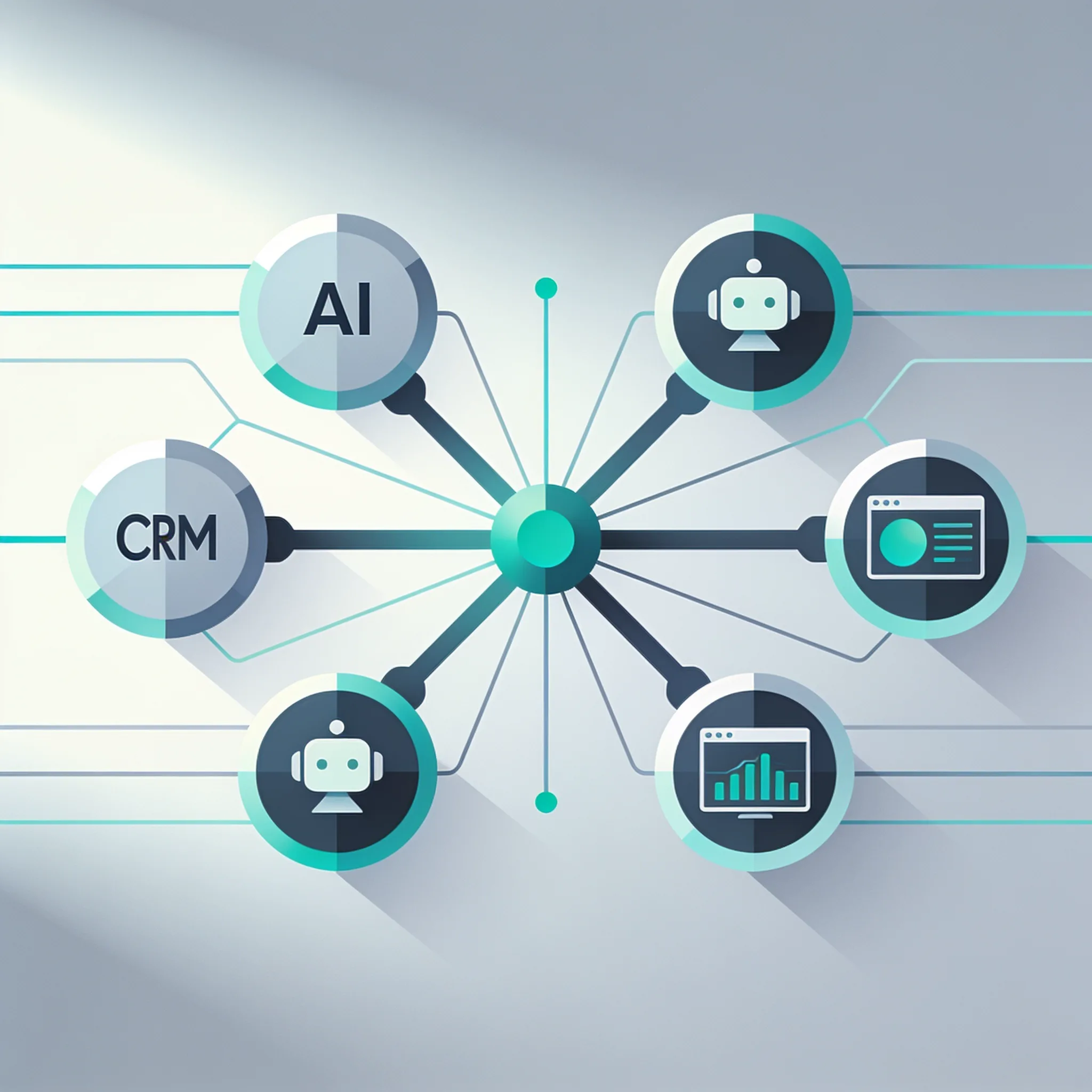
Your CRM is not just a contact database anymore. It is the hub that connects your automation stack to your customer data, and a typical Zapier webhook that routes a new lead from your website form to your CRM while sending a personalized AI-generated email looks like this:
Budget tier comparison:
| Monthly Budget | Core Tools | Best Use Cases | Expected Time Savings |
|---|---|---|---|
| $50 | ChatGPT Plus, basic CRM automation | Email drafting, content outlines, simple follow-ups | 5 to 8 hours per week |
| $150 | Zapier, ChatGPT Plus, QuickBooks AI | Multi-app workflows, invoicing, lead routing | 10 to 15 hours per week |
| $500+ | Make, custom GPTs, CRM AI suite, Lindy | Full pipeline automation, customer support agents, reporting | 20 to 30 hours per week |
Decision framework for choosing your stack:
- Off-the-shelf SaaS tools: Choose these if you have under 10 employees and no technical staff. Tools like QuickBooks AI and HubSpot handle automation within their own ecosystems.
- No-code platforms (Zapier or Make): Choose these if you need to connect multiple apps and have someone comfortable with visual logic builders. No coding required. 3. Custom AI agent builds: Choose these only if you have 50+ employees, complex workflows, and a developer on staff or on contract.
A small toolset is easier to operate than a collection of overlapping automations. Start with one workflow, name its owner and exception path, and measure adoption from actual use rather than a generic percentage.
{
 "lead_source": "website_form",
 "customer_name": "Jane Smith",
 "email": "jane@example.com",
 "phone": "555-0142",
 "service_requested": "HVAC repair",
 "urgency": "high",
 "ai_action": "generate_response_email",
 "crm_action": "create_contact",
 "trigger_delay_minutes": 0
}
Rolling out AI automation for SMBs in one big bang is how projects fail. A phased approach wins every time.
AI Automation Cost Savings Calculator
Estimate your annual savings from automating repetitive tasks based on your team size and hours saved.
Key Takeaway: A focused AI automation stack costs $104 to $500 per month and saves 10 to 30 hours weekly. Choose tools based on your team size and technical capacity, not on feature lists.
Step 3: Implement a Phased Rollout With Data Security at the Core
Rolling out AI automation for SMBs in one big bang is how projects fail. A phased approach wins every time. You need 30, 60, and 90-day milestones that build on each other without overwhelming your team.
These numbers are achievable, but only with disciplined implementation.
Days 1 to 30: Foundation and first automation
- Select one high-impact task from your audit (Step 1)
- Choose and purchase your primary tool from your budget tier (Step 2)
- Configure the tool with test data only, never live customer data
- Run the automation in parallel with manual processes for two weeks
- Success criteria: zero data errors and at least 5 hours saved in week four
Days 31 to 60: Expand and connect
- Add a second automation targeting a different business function
- Connect your CRM to your automation platform
- Train two team members on managing and monitoring the tools
- Begin migrating from parallel processing to primary automation
- Success criteria: 10 hours saved per week and positive staff feedback
Days 61 to 90: Optimize and scale
- Add reporting dashboards to track automation performance
- Implement a third automation based on results from phases one and two
- Document your workflows so they survive staff turnover
- Review and sunset any tools that are not delivering measurable ROI
- Success criteria: 15 hours saved per week and documented processes
Data security checklist before connecting any AI tool to business systems:
- Does the tool offer data residency controls for your region?
- Is there a clear data deletion policy with documented timelines?
- Does the vendor sign a Business Associate Agreement if you handle health data?
- Are API credentials stored using environment variables, not hardcoded in workflows?
- Is there role-based access control limiting who can modify automation rules?
- Does the tool provide an audit log of all automated actions taken?
- Have you tested with synthetic data before connecting real customer records?
Legacy systems create a common roadblock. If your accounting software or inventory system lacks native API capabilities, you have three options. Use a tool like Zapier that supports screen scraping connections.
Export data via scheduled CSV files and process them through an automation platform. Or replace the legacy system entirely if the automation savings justify the migration cost.
That 21-point swing means your competitors are mid-implementation right now. A 90-day rollout puts you on pace with the middle of that pack. Waiting another quarter puts you behind.
Key Takeaway: A 90-day phased rollout with strict data security protocols achieves 15 hours of weekly time savings while keeping customer data protected. Parallel processing during transition prevents catastrophic failures.
Building with AI models? AIGROW API credit runs Claude, GPT and Grok models up to 75% below list price.
How Do You Measure ROI and Track AI Automation Success?
A single aggregate number hides which automations are winning and which are draining money. But these are industry averages. Your numbers depend on what you automate and how carefully you measure it.
KPI framework by automation category:
- Customer service automation
- Operations automation
- Sales and marketing automation
Daily usage is the benchmark. And if your team uses the tools weekly but not daily, you have under-invested in automation or over-invested in the wrong tools. Here is a worked ROI example. A consulting firm automating proposal generation:
The measurement methodology matters enormously. Baseline every metric before you activate automation, then measure at 30, 60, and 90 days. Without baselines, you are guessing at improvement.
With baselines, you have proof. More automation is not better automation, which contradicts nearly every vendor pitch you will hear.
- Monthly volume: 40 proposals
- 3. 4. Monthly savings: $2,780
- Break-even timeline: Less than one month, assuming $100 in setup time
Key Takeaway: Track category-specific KPIs with established baselines. A 30/60/90-day measurement cadence proves ROI with data, not assumptions.
The Uncommon Insight: Why High-Earning SMBs Automate Less (Not More)
But the data tells a different story about AI automation for SMBs. That is near-saturation. And here is the counterintuitive part: those same high-earning businesses focus on automating the percentage of operations that slow them down most, rather than automating everything.
Over-automation can make timely responses and editorial judgment harder. Keep people responsible for context-sensitive communication, and compare quality and engagement before expanding an automated sequence.
When should you NOT automate?
Warning signs you are over-automating:
- Customer complaints about feeling ignored or receiving irrelevant responses
- Declining engagement metrics on automated communication channels
- Staff spending more time fixing automation errors than the automation saved
- Multiple tools handling overlapping tasks with conflicting outputs
- Customer satisfaction scores dropping despite faster response times
Customers want reliable, fast, easy communication. Not a test of whether AI was used or how sophisticated the automation is. If automation breaks any of those three, remove it.
The principle is simple: automation should improve consistency, speed, and clarity. If it does not do all three, it is adding complexity without value.
AI automation for SMBs succeeds when it makes the customer experience better, not when it makes the internal org chart leaner. High-earning businesses understand this instinctively. They automate invoicing because it improves consistency and speed, but they do not automate relationship-building calls because those require empathy and judgment.
The line between automatable and non-automatable is not about technology capability. It is about customer experience impact.
Key Takeaway: High-earning SMBs automate less than you think. They target the percentage of tasks that create drag and leave the rest to humans. Customer experience consistency beats AI sophistication every time.
Overcoming the Questions Every Competitor Skips: Staff, Legacy Systems, and Scale

Staff resistance, legacy system integration, and scaling beyond a pilot project are where automation initiatives die. Let us address each directly. That is rapid change, and rapid change creates anxiety.
If your staff thinks AI is coming for their jobs, they will sabotage adoption quietly and effectively. The US Chamber reports that a significant percentage of small businesses plan to adopt emerging technologies, and nearly all of them will face legacy system integration challenges.
Staff training framework:
- Frame automation as removing busywork, not headcount. Be explicit about job security. 2. Involve staff in the audit process. Let them identify tasks they hate doing.
- Train two internal champions before rolling out to the full team.
- Start with automations that make employees' daily work easier, not harder.
- Create a feedback loop where staff can flag automation failures without blame. 6. Celebrate time saved publicly. how redirected hours led to meaningful work.
Here is how to handle systems that lack modern API capabilities. Legacy systems without APIs require workarounds. Scheduled CSV exports processed through automation platforms work for accounting and inventory systems, and tools that support screen reading can bridge gaps with older CRM platforms.
In some cases, the cost of maintaining a legacy system exceeds the cost of migration. So run the numbers. If automation saves $2,000 monthly and migration costs $8,000, the payback period is four months.
Scaling decision tree:
- Has the initial automation run error-free for 60 days? If no, fix before scaling.
- Has the team adopted daily usage? If no, address training gaps first.
- Is ROI documented and positive? If no, reconsider the automation target.
- Are there documented workflows for the current automation? If no, document before adding more.
- Can existing tools handle the next automation, or do you need new software? Adjust for tool consolidation.
Scaling requires documentation that another person can follow. Record the owner, trigger, data sources, permissions, exception path, alerts, and recovery procedure before a pilot becomes operational infrastructure.
Key Takeaway: Staff training, legacy system workarounds, and documented workflows are the three factors that separate pilot projects from scaled automation programs. Address all three before expanding.
The newest Claude, GPT and Grok models, up to 75% below list price
One API key for Claude, GPT and Grok models. It works with the OpenAI and Anthropic SDKs and with Claude Code.
Each model’s rate through AIGROW credit sits beside its maker’s list price, never above it.
Frequently Asked Questions
