
Business process automation identifies, maps and automates repetitive work to cut cost and scale operations without adding headcount, and it differs from both RPA and AI in what it targets. This guide covers defining goals, mapping an automation roadmap, choosing tools and integrating legacy systems, calculating return and break-even, and managing team resistance.
- Business Process Automation extends beyond basic data management to encompass robotics, machine learning, and AI, fundamentally reshaping operational efficiency.
- A successful BPA implementation requires setting clear goals, visualizing current processes, and developing a strategic roadmap before selecting specific software tools.
- Calculating ROI for automation requires factoring in direct cost savings, error reduction, and recovered employee hours to justify the financial investment.
- Overcoming employee resistance and avoiding over-automation are critical; automation should enhance human decision-making and collaboration, not replace strategic oversight.
What Is Business Process Automation and How Does It Differ from RPA and AI?
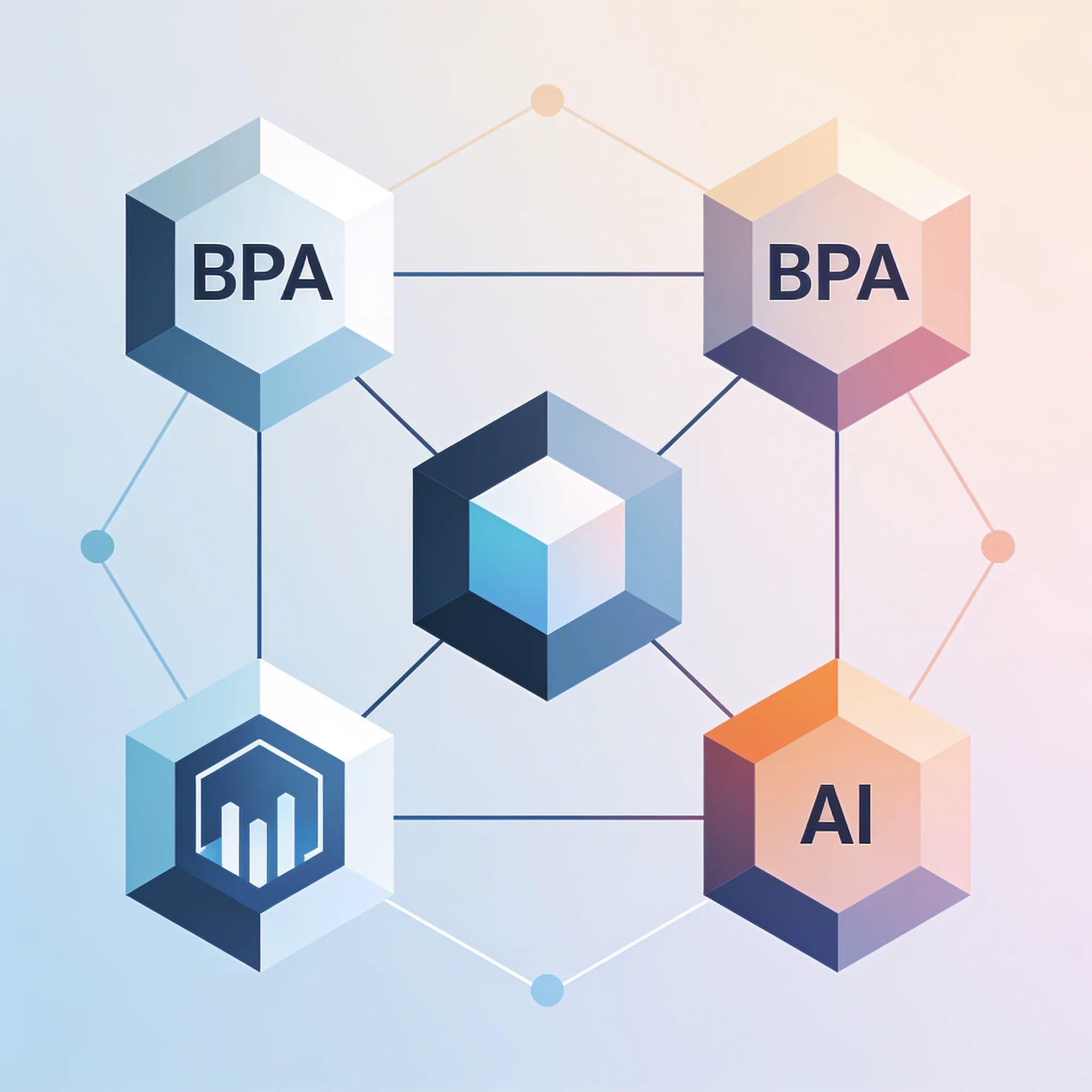
Business process automation is the use of technology to accomplish recurring tasks in a business, extending beyond conventional record-keeping or data management. It replaces manual effort across entire workflows. In this Business Process Automation Guide, we clarify how BPA differs from narrower tools.
People throw around terms like BPA, RPA, and AI like they mean the same thing, but do they really? They do not. RPA focuses on automating a single or handful of tasks but cannot learn over time like AI and machine learning tools, which means it stays trapped in rigid rule sets.
BPA is the umbrella system, and it orchestrates the entire workflow.
Think about processing an invoice. An example of Digital Business Automation is scanning documents, extracting info using technology, and populating it into a data management system. RPA handles the data extraction.
BPA manages the journey from email inbox to paid invoice. Here is a quick comparison to anchor your understanding:
Let's make this concrete.
| Feature | Business Process Automation (BPA) | Robotic Process Automation (RPA) | Artificial Intelligence (AI) |
|---|---|---|---|
| Scope | End-to-end workflows | Single or few repetitive tasks | Decision-making and pattern recognition |
| Learning | Follows predefined rules | Follows strict rules | Learns and adapts over time |
| Example | Onboarding a new employee | Copying data between apps | Chatbot answering customer questions |
Here is how a simple automated document workflow looks:
When you look for automation candidates, you want activities that repeat constantly. Identify high-volume tasks. Map the current manual workflow.
Select the right platforms for the job. BPA standardizes these processes, leaving no room for misinterpretation. BPA is the system.
RPA is a tool inside that system.
Step 1: Define the Main Goals and Identify Repetitive Tasks for BPA
AI is the brain that makes the system smarter. Establishing clear goals and objectives is essential for successful automation to focus efforts and measure effectiveness, because without targets you are just buying software for the sake of it. In this Business Process Automation Guide, we insist you start with the finish line in mind.
Think about assembling a factory line. Henry Ford did not just buy machines, but instead he engineered the exact sequence of tasks to build a car efficiently, which is exactly what you must do with your business areas. Walk the floor.
Define the operating result before selecting software. If the target is faster support, measure routing and response time in the current process first.
- Goal: Cut invoice processing time by 50%.
- Task: Manual data entry from PDFs.
- Metric: Hours saved per week.
If your goal is faster cash flow, your task is invoice generation, which is a perfect candidate for automation. List every manual task your team does daily.
Rank them by time spent and error rate. Pick the top three as your first automation projects. You reclaim those hours by finding the right tasks to kill, so make sure you do not pick tasks that require high emotional intelligence or complex human judgment.
Step 2: Visualize Selected Processes and Map Your Automation Roadmap

Pick the boring stuff. Developing a roadmap is a key step in automating business processes, because you cannot build a house without a blueprint. In this Business Process Automation Guide, we show you how to visualize the path forward.
Documentation of crucial business processes can make a huge difference when scaling up and onboarding new team members, especially when you write things down and finally find the hidden steps. You find the "oh, I also CC my manager on that email" step. BPA standardizes and digitizes processes, acting as a reference manual for team members.
It removes the guesswork.
A new hire can look at the process map and know exactly what happens next. Draw the current state. Use sticky notes or a whiteboard.
Identify decision points where a human chooses path A or path B. Design the future state where software takes over. To build your roadmap, follow these steps, but keep in mind that your roadmap needs a timeline.
Do not try to automate everything in month one, because you will burn out your team.
- Month 1: Map the top three repetitive workflows.
- Month 2: Build and test the first workflow in a sandbox.
- Month 3: Roll out the first workflow and train the team.
Here is a simple timeline to guide your efficiency gains. But remember that automation is an ongoing project, which means your roadmap must change with it. Your business changes.
Step 3: Choose Specific Software Tools and Integrate Legacy Systems
Keep it updated. Digital Business Automation uses tools like robotics process automation, machine learning, and AI to speed up automation. But you need specific platforms for specific areas. This Business Process Automation Guide gives you real recommendations. Do not buy generic software.
HR: Use platforms like BambooHR or Zenefits. Automate onboarding paperwork and PTO requests. Finance: Use Bill.com or QuickBooks Online. Automate invoice generation and payment reminders. Operations: Use Zapier or Make. Connect your CRM to your project management tool.
Buy tools built for your specific use case. Businesses can use chatbots to answer customer queries quickly, sort them, and escalate them without any human intervention, saving massive amounts of time for their overloaded support teams. Integrating legacy systems is where operators get stuck.
Legacy systems often lack modern APIs. You have to get creative.
- Problem: Legacy system has no API.
- Solution: Use RPA to scrape the screen and enter data automatically.
- Problem: Data formats do not match.
- Solution: Build a middleware script to transform the data payload.
Here is a common troubleshooting path for legacy integration:
{
 "webhook": "invoice_generated",
 "data": {
 "invoice_id": "INV-2026-001",
 "amount": 4500,
 "client_name": "Acme Corp",
 "due_date": "2026-08-15"
 }
}
Here is an example of a webhook payload you might send from a modern tool to a legacy middleware script. Budgeting for regular updates and maintenance is necessary as a business grows and software needs to stay integrated. Do not set it and forget it. APIs change. Tokens expire.
Building with AI models? AIGROW API credit runs Claude, GPT and Grok models up to 75% below list price.
How Do You Calculate the ROI and Break-Even Point for BPA Implementation?
You calculate the ROI of business process automation by subtracting the total cost of automation software and implementation from the total financial benefit of labor savings, then dividing that number by the total cost. This gives you a clear percentage to judge project success. In this Business Process Automation Guide, we break down the math.
Automating data collection, aggregation, and synthesis improves data quality and helps business leaders make faster decisions. Bad data slows you down.
Let us look at a worked example for an invoice processing workflow:
- Monthly volume: 1,000 invoices
- Manual cost: $5 per invoice ($5,000/month)
- Automated cost: $1.50 per invoice ($1,500/month)
- Software cost: $500/month
- API token cost: $100/month
- Total automated cost: $2,100/month
- Monthly savings: $2,900
Your break-even point happens when your cumulative savings equal your initial setup cost.
BPA ROI Calculator
Calculate your monthly savings from automating a manual task.
Use this calculator to model your own projects. Justify the expense before you spend a dime.
The Contrarian View: Why Over-Automation Kills Business Agility
Justify the expense before you spend a dime. Not everything should be automated. BPA helps managers delegate tedious tasks and refocus time on decision-making, problem-solving, and team collaboration.
But if you automate a broken process, you just do the wrong thing faster. In this Business Process Automation Guide, we warn against over-automation, because when you remove humans from every step, you lose context and the ability to handle edge cases. A customer might submit a refund request with a tragic story.
A bot just sees a refund code. Use those hours for strategy.
Keep human oversight on financial approvals. Keep humans in charge of customer escalation paths. Let humans handle strategic hiring decisions.
Do not use them to build more rigid automated traps. Every company is by now a software company, so you have to start thinking and operating like a software company." Software helps you operate, but humans define the purpose.
Agility requires flexibility. Over-automated systems become brittle. But what happens when the market shifts?
A rigid automated workflow will just keep running the old playbook while your smarter competitors adapt to the new reality. Build loops, not straight lines.
Overcoming Employee Resistance and Troubleshooting Common BPA Pitfalls

Involve the people who run the process before deployment. Explain the affected tasks, collect exceptions, assign training, and measure adoption instead of assuming that resistance is the only reason a rollout fails.
- Show the team the time they will save.
- Ask them which tasks they hate doing the most.
- Automate that hated task first to build trust.
Here is how to get buy-in: Monitoring KPIs helps identify areas for improvement and ensures automation is working towards goals.
BPA Readiness Assessment
How ready is your team for business process automation?
How do your employees view repetitive tasks?
If you do not measure success, you cannot prove the project worked. Use the quiz above to gauge your team's readiness. If they are not ready, fix the culture first. To ensure precision, audit your automated workflows quarterly. Make sure the rules still match your current policies. Software drifts.
The newest Claude, GPT and Grok models, up to 75% below list price
One API key for Claude, GPT and Grok models. It works with the OpenAI and Anthropic SDKs and with Claude Code.
Each model’s rate through AIGROW credit sits beside its maker’s list price, never above it.
Frequently Asked Questions
