An AI CRM integration needs a defined event, minimum data access, bounded model or rule output, replay-safe CRM writes, logs, and a human exception path. Cost and timing depend on the actual scope. Build a data-flow map, legal and security review, and an editable cost model before committing to a platform.
- Map the event, data fields, permissions, decision, CRM write, audit record, retry, and human exception before choosing a CRM or model.
- Treat implementation cost and timing as project-specific. Estimate from the actual scope, data quality, integrations, controls, and team capacity.
- Model token cost with input and output tokens plus tools, embeddings, retries, caching, and the rest of the operating stack.
- Privacy and security require a documented legal basis, transparency, minimization, processor terms, retention, rights handling, and risk-based safeguards.
What AI CRM Integration Actually Means

An AI CRM integration connects a business event, a model or decision step, and a controlled CRM action. A lead form may trigger enrichment and routing. A support conversation may retrieve approved account context and create a case.
Each write should have a defined schema, minimum permissions, an audit record, and a safe retry path.
The integration layer is useful when it removes a measured handoff or delay. It should not replace a simple native CRM feature with extra infrastructure. Start by mapping the current event, fields, owner, wait time, errors, and exceptions.
Then compare native automation, a managed connector, and a custom API against that process.
Do not select a platform from company size or a generic budget. The relevant variables are CRM edition, API access, data quality, required actions, volume, latency, model use, permissions, review, retention, and the team's ability to operate the result.
Step 1: Evaluate the Top AI-Powered CRM Platforms for Growth
Choose the CRM and integration approach from the records and actions the workflow needs. Salesforce, HubSpot, and Zoho offer different editions, APIs, automation features, and AI products. Their prices and usage terms change, so quote the exact SKU, region, billing term, API entitlement, AI capacity, and support level.
| Platform family | Inspect | Pilot question |
|---|---|---|
| Enterprise CRM with agent products | Object permissions, action metering, audit, deployment controls | Can the agent update only the approved records and fields? |
| Marketing and sales CRM | Webhooks, custom objects, data sync, automation limits | Can the workflow coexist with current systems without duplicate ownership? |
| Small-business CRM | API coverage, rate limits, field model, extension options | Does the lower-cost edition expose every required action? |
The payload below is a synthetic example, not a production event or customer result:
{
 "event_type": "lead_qualification",
 "agent_id": "sample_agent_001",
 "lead_data": {
  "lead_id": "sample_123",
  "company": "Example Company",
  "industry": "SaaS"
 },
 "qualification_result": {
  "score": 87,
  "decision": "manual_review",
  "confidence": 0.74
 },
 "timestamp": "2026-09-21T12:00:00Z"
}
Use synthetic or properly protected test data in the pilot. Verify authentication, field permissions, duplicate delivery, rate limits, deletion, and what happens when the model output does not match the schema.
Step 2: Architect Your AI Chatbot and CRM Integration
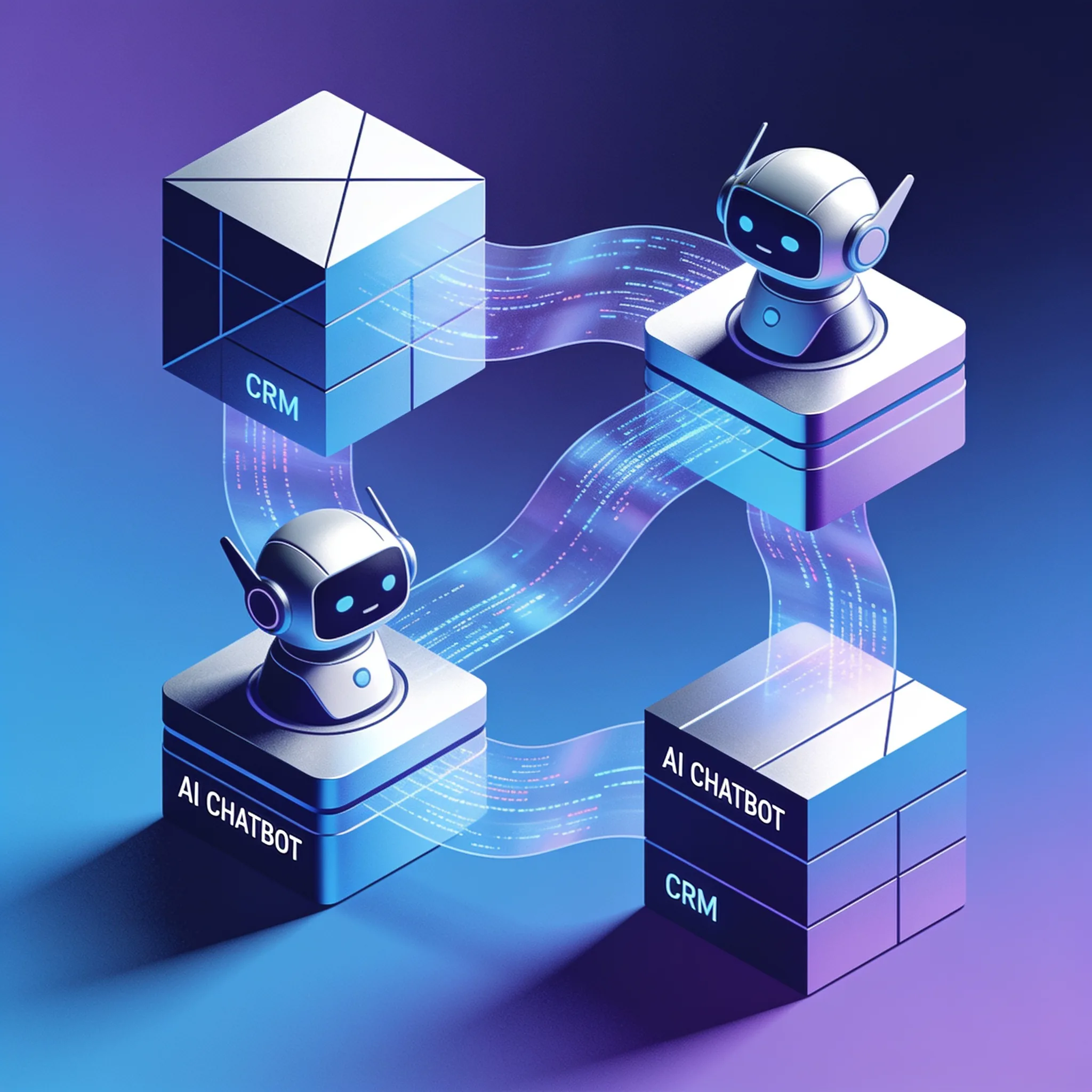
Architecture and delivery time depend on scope. A narrow lead-routing workflow with clean data differs from a support agent that uses conversation history, retrieval, several CRM objects, and human handoff. Estimate the project from the required integrations, test cases, controls, and team capacity.
Token cost must include input and output. As of 21 September 2026, the official GPT-4o model page lists $2.50 per million input tokens, $1.25 per million cached input tokens, and $10 per million output tokens. A hypothetical 100,000 monthly conversations with 1,500 uncached input tokens and 500 output tokens each would use 150 million input tokens and 50 million output tokens.
The modeled text-token cost is $375 + $500 = $875.
That $875 is not a complete operating quote. Add tool calls, embeddings, retrieval, safety or evaluation calls, retries, cache behavior, CRM and channel fees, storage, monitoring, review labor, support, and taxes. Replace the model and token assumptions with measurements from a representative trace.
A practical delivery sequence is discovery and data mapping, a narrow integration, security and privacy review, representative testing, a limited rollout, and an operating handoff. Each phase should have acceptance criteria rather than a promised calendar duration.
Step 3: Implement Data Privacy, Security, and Compliance
An AI CRM integration may send personal data through a channel, model provider, vector store, automation service, CRM, logs, and support tools. Draw that data flow before development and review it with qualified legal and security teams.
Under GDPR, consent is one possible lawful basis, not a universal requirement. The appropriate basis depends on the purpose and relationship. The European Data Protection Board's consent guidance explains the conditions for valid consent where consent is used.
California's CCPA guidance describes consumer rights and covered-business duties. Sector and jurisdiction rules may add other requirements.
Use this implementation checklist:
- Document the purpose, lawful basis, notices, controller, processors, sub-processors, and international transfers.
- Minimize the fields and transcripts collected. Do not log an IP address or other identifier unless the purpose and retention policy require it.
- Put processor agreements and any required transfer mechanism in place.
- Define retention, deletion, access, correction, opt-out, and other applicable rights across the CRM, model logs, vector store, backups, and support systems.
- Select encryption, authentication, key management, network, audit, and incident controls from a risk assessment and applicable standards. GDPR and CCPA do not prescribe AES-256 and TLS 1.3 as universal requirements for every integration.
- Restrict records, fields, tools, and transaction values by role. Test unauthorized requests and support access.
API-first design and tamper-evident logs can help implement controls. Blockchain is not required. Compliance still depends on the complete data flow and operating process.
How Do Hidden Costs and ROI Impact Your Integration Strategy?
Use a parametric scenario instead of a generic implementation price. Record conversation volume, human handling cost, automated handling cost, setup, monthly software and infrastructure, review labor, unresolved cases, and failure remediation.
The calculator below uses editable assumptions. Its result is a modeled net capacity value, not observed savings or a promise. It assumes every counted conversation would otherwise incur the entered human cost and that the automated cost covers each automated interaction.
Adjust the volume for cases the system can actually handle and add human review separately if it is not included.
AI CRM Cost Scenario
Model annual net capacity value from your inputs. This is not a quote or customer result.
Run sensitivity checks with lower eligible volume, higher review time, more retries, and a slower rollout. Recovered capacity becomes cash savings only if the organization reduces an actual cost. Revenue claims require separate attribution.
Building with AI models? AIGROW API credit runs Claude, GPT and Grok models up to 75% below list price.
Contrarian View: Why Plug-and-Play AI Integrations Often Fail Scaling Businesses
A managed connector can be enough for a stable workflow. Problems appear when the connector does not expose the needed CRM action, hides retry behavior, lacks field-level permissions, or cannot represent the exception path.
Test the product against the required workload instead of assuming that a custom build performs better. Measure:
- Correct resolution or routing on a labeled test set
- Unsupported or incorrect answers
- Human handoff and correction rate
- Response time at representative load
- Duplicate and failed CRM writes
- Cost per completed, accepted outcome
- Recovery after rate limits and provider outages
Set targets from the current baseline and risk tolerance. There is no general 70 percent resolution or 75 percent satisfaction threshold that proves an integration succeeds, and no supported basis here for claiming that managed connectors achieve 40 percent. Sentiment signals may help route a conversation, but validate them for the language and population involved and provide another handoff path.
Choose the simplest option that meets the test. Add custom components only where a measured requirement justifies the added maintenance.
How Do You Transition From Static Integrations to Agentic AI Workflows?
Static integrations follow rules. If X happens, do Y. They are brittle. They require manual updates when workflows change. And they cannot adapt to novel situations.
The next step in AI integration is agentic AI system design, where intelligent agents plan, adapt, and act independently within defined goals. This is not a chatbot. This is a digital worker that reasons about which tools to call, in what order, and with what parameters.
An integration built to last has to evolve from static to agentic. The transition is architectural, not incremental. You cannot bolt an agent onto a Zapier workflow and call it agentic.
Steps to Transition to Agentic AI Workflows:
- Audit current static workflows: Map every trigger-action pair in your existing integrations. Identify which ones require human decision-making.
- Define agent goals: Instead of "when a lead comes in, create a task," define the goal as "qualify and route every inbound lead within 60 seconds."
- Give agents tool access: Connect the agent to your CRM API, email API, calendar API, and internal knowledge base. The agent decides which to call.
- Build guardrails: Define what the agent can do autonomously versus what requires human approval. Lead routing: autonomous. Refund issuance: human approval required.
- Build feedback loops: Every agent action logs the outcome. The agent retrains on successful and failed actions weekly.
- Deploy a multi-agent architecture: Instead of one agent doing everything, deploy specialized agents. A qualification agent, a routing agent, a follow-up agent. They communicate through a shared message bus.
Here is a simplified agentic workflow decision tree:
An agent that can call several tools on its own answers a lead in the time a static trigger-action chain takes to fire once, which is the whole reason to make the change.
The architecture shift is real. Static integrations ask "what happened?" Agentic integrations ask "what should I do next?"
Your Eight-Week Roadmap to Launch

The schedule below is an example for a dedicated team with timely CRM access, usable data, and a narrow workflow. It is not an AIGROW delivery commitment. Security, legal review, procurement, data repair, or complex integrations can extend any stage.
Weeks 1 and 2: scope and data flow
- Define the event, allowed action, owner, baseline, and acceptance criteria.
- Map fields, systems, processors, retention, and access.
- Inspect CRM API limits, webhook behavior, duplicate delivery, and test access.
Weeks 3 and 4: narrow implementation
- Build authentication, input validation, the model or rule step, and a replay-safe CRM write.
- Add minimum permissions, schema validation, logs, and a manual exception queue.
Weeks 5 and 6: privacy, security, and failure testing
- Complete legal and security review for the actual data flow.
- Test unauthorized access, invalid input, duplicate events, rate limits, provider outages, deletion, and recovery.
- Measure quality and cost on representative cases.
Weeks 7 and 8: limited rollout and handoff
- Release to a bounded segment with a rollback path.
- Compare accepted outcomes, corrections, response time, and cost with the baseline.
- Document alerts, ownership, credentials, recovery, change control, and the decision to expand, revise, or stop.
Do not scale to all traffic because the calendar reached week eight. Scale only when the agreed acceptance criteria are met.
The newest Claude, GPT and Grok models, up to 75% below list price
One API key for Claude, GPT and Grok models. It works with the OpenAI and Anthropic SDKs and with Claude Code.
Each model’s rate through AIGROW credit sits beside its maker’s list price, never above it.
Frequently Asked Questions
