
Ai based workflow optimization means rebuilding business processes around autonomous agents and machine learning rather than layering AI on top of existing structures. Organizations that redesign workflows see the biggest EBIT impact from gen AI, while those that skip job redesign and governance almost always fail to realize ROI.
- Optimize the process before adding AI. Map the baseline, exceptions, decisions, handoffs, and error cost first.
- Use models for tasks where probabilistic extraction, classification, or generation adds value, with review proportional to risk.
- Production readiness includes evaluations, permissions, observability, recovery, ownership, and a controlled rollout.
What Is AI Based Workflow Optimization in the Era of Agentic Systems?

AI-based workflow optimization is the architectural redesign of business processes to use autonomous agents and machine learning, moving well beyond basic task automation. It demands mapping high-complexity opportunities where AI delivers compounding value over time. That gap is where the real money is hiding.
Layering a model on top of a broken process gives you a faster broken process. But redesigning the process around what the model does well gives you a new operating model entirely.
Here is what AI-based workflow optimization actually involves at the architectural level:
- Process decomposition: Breaking every workflow into discrete, measurable steps that an agent can execute or evaluate.
- Agentic orchestration: Routing tasks between specialized agents based on context, cost, and confidence thresholds.
- Human-in-the-loop design: Defining exactly when humans review, approve, or intervene in agent decision chains.
- Feedback loops: Capturing human corrections and feeding them back into model fine-tuning or prompt optimization pipelines.
The system flow below shows how adjusted workflows route work between agents and humans:
To operationalize this, your implementation checklist should include:
- [ ] Map current state workflows with timestamps and cost per step
- [ ] Identify high-complexity steps where agents outperform rules-based logic
- [ ] Define confidence thresholds for agent autonomy versus human review
- [ ] Establish feedback capture mechanisms for every human override
- [ ] Instrument every agent call with cost, latency, and accuracy tracking
- [ ] Set quarterly review cycles to re-evaluate agent boundaries
The organizations winning right now aren't the ones with the most models.
They are the ones with the most deliberately redesigned workflows.
Step 1: Audit Existing Processes for High-Complexity AI Opportunities
Most enterprises start with the wrong question: "Where can we add AI?" The right question is "Which processes have the highest complexity and lowest current automation, and what does that cost us?" AI-based workflow optimization begins with a brutal, data-driven audit of every operational workflow you have.
The other 66% are tinkering, and the difference between these two groups is audit quality. You cannot tune what you haven't mapped.
We use a structured methodology for process auditing.
Here is the exact approach:
- Extract event logs from your ERP, CRM, and ticketing systems. Pull every timestamp, actor, and state transition for the last 90 days.
- Reconstruct the actual workflow using process mining. The documented process and the real process are almost never the same thing.
- Classify each step by complexity (rules-based vs. judgment-based) and frequency (high volume vs. low volume).
- Score AI opportunity by multiplying complexity weight by frequency volume. High-complexity, high-frequency steps are your primary targets.
- Estimate current cost per step using loaded labor rates and error correction costs.
For technical teams, we recommend mapping workflows programmatically.
Here is a minimal example using Python 3.12 and LangChain v0.2 to classify process steps by AI opportunity score:
from langchain_core.prompts import ChatPromptTemplate
from langchain_openai import ChatOpenAI
from pydantic import BaseModel, Field
from typing import Literal


class StepClassification(BaseModel): step_name: str = Field(description="The workflow step being classified") complexity: Literal["rules-based", "judgment-based", "hybrid"] = Field( description="Whether the step follows fixed rules or requires human judgment" ) frequency: int = Field(description="Number of occurrences per month") ai_opportunity_score: float = Field( description="Score from 0.0 to 1.0 indicating AI replacement potential" )


llm = ChatOpenAI(model="gpt-6-luna", temperature=0)
structured_llm = llm.with_structured_output(StepClassification)


prompt = ChatPromptTemplate.from_messages([ ("system", "You are a process auditor. Classify workflow steps for AI replacement potential."), ("human", "Step name: {step_name}\nDescription: {description}\nMonthly volume: {volume}"), ])


chain = prompt | structured_llm


result = chain.invoke({ "step_name": "Invoice exception handling", "description": "Review flagged invoices, determine cause, route to correct department or vendor", "volume": 3400 })


print(f"Score: {result.ai_opportunity_score} | Complexity: {result.complexity}")
The audit must surface three things: total process cost, error rate, and cycle time. Without all three, you're guessing. High-complexity steps that run thousands of times per month are where AI-based workflow optimization delivers compounding returns that scale with volume.
Step 2: Architect Build-vs-Buy Strategies and Governance Models
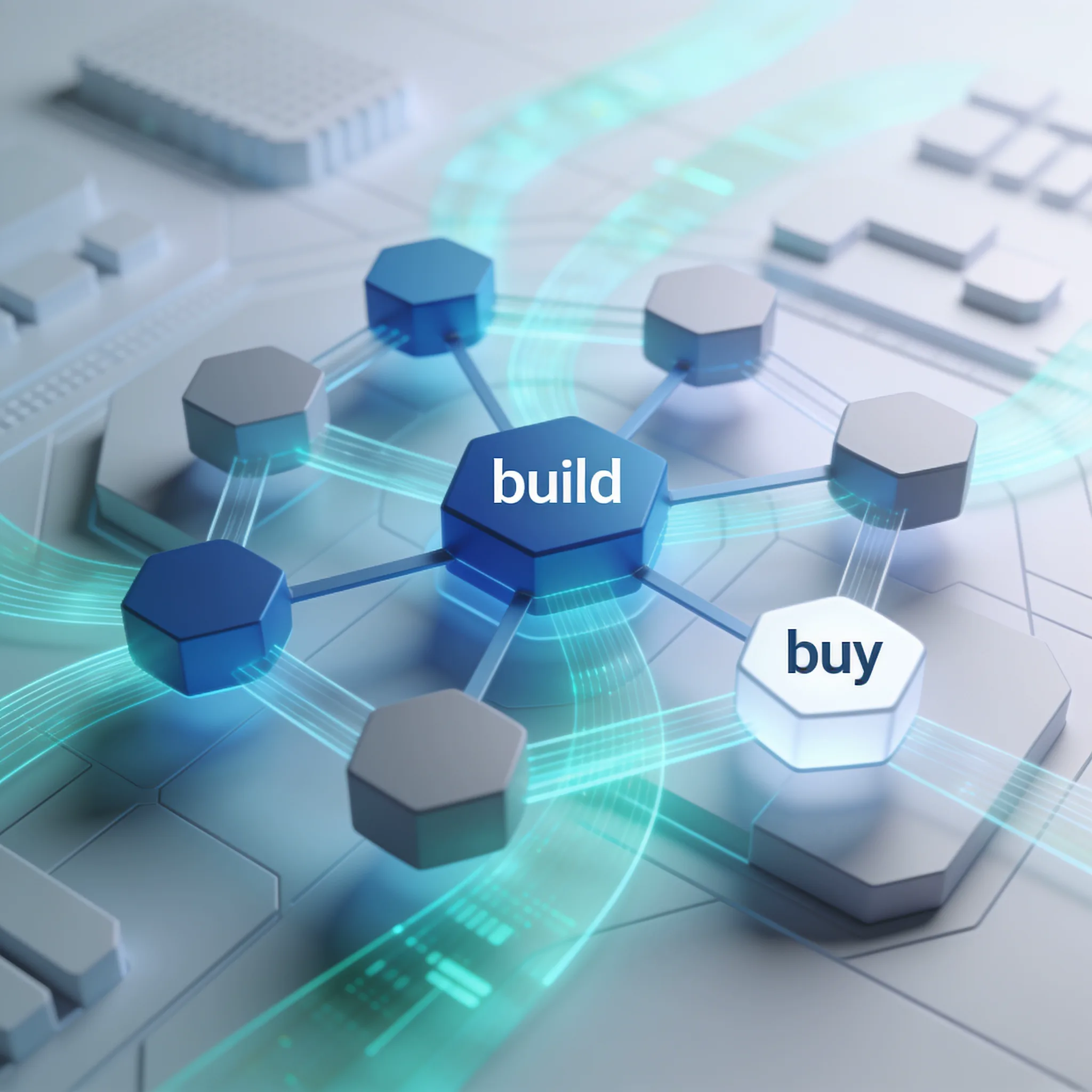
Every AI-based workflow optimization project hits the same fork: build a custom agentic architecture or buy an off-the-shelf SaaS workflow tool.
The answer depends on workflow complexity, data sensitivity, and how much differentiation the workflow provides to your business.
That growth is largely driven by build decisions, because IT teams want control over agent behavior and data flows. But building isn't always right. Buying is faster, cheaper, and often sufficient for standard processes.
Here is our decision framework:
| Criteria | Build Custom Agentic Architecture | Buy SaaS Workflow Tool | Hybrid Approach |
|---|---|---|---|
| Time to production | 3-6 months | 2-4 weeks | 6-8 weeks |
| Initial cost | $150K-$500K | $2K-$15K/month | $50K-$100K + SaaS |
| Customization depth | Full control | Configurable only | Custom agents + SaaS orchestration |
| Data residency | Full control | Vendor-dependent | Mixed |
| Maintenance burden | High (internal team) | Low (vendor-managed) | Medium |
| Best for | Core differentiator workflows | Standard processes (HR, finance) | Processes with some unique logic |
Governance is non-negotiable regardless of which path you choose. Autonomous agents that execute business decisions need guardrails, and here is the governance model we deploy:
- Agent registration: Every agent gets a unique ID, owner, purpose statement, and approved action set.
- Action allow-lists: Agents can only call pre-approved APIs and tools. No open-ended tool use.
- Audit logging: Every agent decision, input, output, and human override gets logged with timestamps.
- Rate limiting: Cap agent execution frequency to prevent runaway costs and cascading failures.
- Human escalation triggers: Define confidence thresholds below which agents must hand off to humans.
- Quarterly access review: Re-evaluate every agent's permissions and action set every 90 days.
Here is an example agent registration payload in JSON:
{
 "agent_id": "inv-exception-001",
 "name": "Invoice Exception Handler",
 "owner": "finance-ops@example.com",
 "purpose": "Classify and route invoice exceptions to correct department",
 "approved_actions": ["read_invoice", "classify_exception", "route_to_department"],
 "confidence_threshold": 0.85,
 "max_calls_per_hour": 500,
 "human_escalation": true,
 "review_cycle_days": 90
}
Governance can slow a poorly designed approval chain, but missing controls create their own delays and incidents. Set permissions, logs, escalation, and rollback requirements in the pilot, then measure their effect on delivery time.
The Contrarian View: Why Deploying AI Without Job Redesign Guarantees Failure
The dominant narrative says AI tools boost productivity simply by being available to workers. The data says otherwise. More access, same job structures, marginal gains.
This is why most AI-based workflow optimization projects fail. You give workers a tool. You don't change how their work is structured. The tool becomes a convenience, not a transformation.
Consider a claims processing team. You give them an AI assistant that pre-fills claim fields from documents. If their job structure still requires manual review of every field, the AI saves maybe 10% of their time.
But if you redesign the job so that humans only review claims where the agent's confidence is below a threshold, you cut processing time by 60% or more. Same tool. Different job design.
Six times the impact, and here is what job redesign for AI actually requires:
- Task elimination: Remove tasks that agents now handle entirely. Do not keep them as "backup" human work.
- Role redefinition: Shift human roles from execution to oversight, exception handling, and agent training.
- Metric realignment: Stop measuring workers on volume of tasks completed. Measure them on quality of exceptions handled and agent performance improvements.
- Skill development: Train workers to write effective prompts, review agent outputs critically, and provide structured feedback.
- Workflow restructuring: Reroute work so agents handle first-pass execution and humans handle judgment calls.
The ROI gap between companies that redesign jobs and those that don't isn't incremental. It is structural.
A hypothetical claims redesign could route only high-risk exceptions to a reviewer instead of requiring review of every field. Test the change on historical cases, define false-positive and false-negative costs, and publish results only from the actual pilot.
You cannot bolt AI onto a 20th-century job structure and expect 21st-century results.
Step 3: Transition AI Workflows From Experimental PoC to Production
Moving from sandbox to production is where most AI-based workflow optimization initiatives die. That means nearly two-thirds are still stuck in pilot purgatory.
Production deployment requires three architectural decisions: inference infrastructure, cost management, and observability.
Get all three right or stay in the sandbox.
Here is our production transition checklist:
- Replace direct API calls with batched inference where possible to cut per-token costs by 40-a significant percentage.
- Deploy vLLM for self-hosted inference on high-volume workflows to eliminate per-token pricing entirely.
- Use Ray for distributed agent orchestration to scale horizontally without rewriting agent logic.
- Set up circuit breakers on every agent call to prevent cascading failures.
- Set up real-time cost dashboards tracking spend per workflow, per agent, per call.
- Define SLOs for agent latency and accuracy and wire them to alerting.
Below is a minimal Ray Serve configuration for deploying an agent workflow at scale:
# ray_agent_deploy.py
# Requires: ray[serve]>=2.10, vllm>=0.5, fastapi
import ray
from ray import serve
from vllm import LLM, SamplingParams


ray.init()


@serve.deployment(num_replicas=4, ray_actor_options={"num_gpus": 1}) class WorkflowAgent: def __init__(self): self.llm = LLM( model="meta-llama/Llama-3.3-70B-Instruct", tensor_parallel_size=1, gpu_memory_utilization=0.90, max_model_len=8192, ) self.params = SamplingParams(temperature=0.1, max_tokens=512)


 async def __call__(self, request): prompt = await request.json() prompt_text = prompt.get("task", "") outputs = self.llm.generate([prompt_text], self.params) return {"result": outputs.outputs.text}


app = WorkflowAgent.bind()
And a vLLM serving configuration for cost-controlled inference:
# vllm serve command for production agent inference
python -m vllm. entrypoints. openai. api_server \
 --model meta-llama/Llama-3.3-70B-Instruct \
 --tensor-parallel-size 4 \
 --gpu-memory-utilization 0.90 \
 --max-model-len 8192 \
 --enable-chunked-prefill \
 --max-num-seqs 256 \
 --port 8000
At 2 million calls per month, that's $0.006 per call versus $0.015-0.060 per call with hosted API providers. Break-even against a premium API happens at roughly 200,000 calls per month.
Architecture decisions made in the PoC phase determine whether production is viable.
Ready to see what AI can do for your operations?
Delivers in 3-5 business days. No commitment required.
How Do You Accurately Measure the ROI of AI Workflow Redesign?

Most organizations can't accurately measure the ROI of AI-based workflow optimization because they track the wrong metrics. They measure tool adoption rates and user satisfaction. They should be measuring cost per inference, throughput changes, and human labor displacement.
Capgemini Research Institute’s 2025 survey found that 40% of organizations tracking ROI expected a positive return within one to three years. These numbers are directional. Your numbers need to be precise.
Here is the ROI framework we use:
- Cost per inference: Total inference cost divided by total agent executions. Track monthly.
- Throughput delta: Tasks completed per hour before versus after AI workflow deployment.
- Human labor displacement: Hours of manual work eliminated, valued at loaded labor rate.
- Error rate change: Pre-AI error rate versus post-AI error rate, with cost per error.
- Cycle time reduction: Time from task initiation to completion, measured in business hours.
- Time to break-even: Total implementation cost divided by monthly net savings. There is no finite payback when net savings are zero or negative.
The following hypothetical example uses a fixed monthly workload and stated costs.
Consider an invoice exception handling workflow:
Monthly volume: 3,400 exceptions Manual cost: 3,400 exceptions × (12 minutes / 60) × $45/hour loaded labor = $30,600/month Automated cost breakdown: - vLLM self-hosted inference: 3,400 calls × $0.006 = $20.40/month - Cloud GPU node (shared): $3,000/month allocated - Agent orchestration platform: $1,200/month - Human review (15% escalation): 510 reviews × (8 minutes / 60) × $45/hour = $3,060/month - Total automated cost: $7,280.40/month Monthly savings: $30,600 - $7,280.40 = $23,319.60 Implementation cost: $85,000 (development, testing, deployment) Break-even: $85,000 / $23,319.60 = 3.6 months
AI Workflow ROI Calculator
Calculate the monthly savings and break-even timeline for your AI workflow deployment.
The key insight is that ROI isn't a single number. It is a trajectory. Month one shows negative ROI.
Month four hits break-even. Month twelve shows about 2.3x net return after the implementation cost. Track the trajectory, not the snapshot.
Organizations that measure only at deployment and at the one-year mark miss the inflection point and kill projects too early.
Real Examples of Workflow Optimization Across Industries
Supply chain and logistics represent the clearest evidence that AI-based workflow optimization delivers measurable returns.
Let's look at what this means in practice. A mid-sized logistics operator running 200 trucks daily faces three workflow bottlenecks: route optimization, demand forecasting, and exception handling. Each one has distinct cost profiles and AI opportunity scores.
Route optimization: Before AI, dispatchers manually adjust routes based on traffic, weather, and delivery windows. After agent deployment, a routing agent continuously re-optimizes across all 200 trucks. Transportation costs drop 25% because empty miles decrease and fuel efficiency improves.
Demand forecasting: Traditional forecasting uses historical averages with seasonal adjustments. AI-based forecasting models incorporate real-time signals: weather, local events, economic indicators, and competitor pricing. The 85% accuracy improvement means inventory carrying costs plummet because you stock what you need, not what you guess.
Exception handling: When a shipment is delayed, the old workflow triggers a phone tree. The optimized workflow triggers an agent that automatically reroutes, notifies customers, and updates ETAs. Operational costs drop 23% because human intervention drops from 100% of exceptions to roughly 15%.
The pattern across these examples is consistent. AI-based workflow optimization doesn't improve one metric. It compounds across the entire supply chain.
Route optimization feeds demand data. Demand accuracy reduces exceptions. Fewer exceptions mean fewer human interventions, and each improvement makes the next one cheaper.
These aren't theoretical projections. Capgemini's 2026 data confirms these cost reductions in deployed supply chain AI systems. The companies seeing these gains are the ones that redesigned the workflows, not just the dashboards.
The Future of Work: Preparing for Multi-Agent Systems
The shift from single-agent workflows to multi-agent systems is accelerating faster than most enterprises are prepared for.
Multi-agent systems change the math of AI-based workflow optimization. Instead of one agent handling a workflow end-to-end, specialized agents collaborate. A research agent gathers data.
An analysis agent evaluates options. A decision agent recommends actions. A human reviews the recommendation.
Each agent is smaller, cheaper, and more reliable than a monolithic agent trying to do everything.
Infrastructure must evolve to support this.
Here is what operators need to build now:
- Agent-to-agent communication protocols: Define how agents share context, hand off tasks, and escalate to each other.
- Shared memory systems: Give agents access to common state so they don't duplicate work or contradict each other.
- Orchestration layers: Deploy a router agent or orchestrator that manages task delegation and conflict resolution.
- Cost attribution per agent: Track spend at the individual agent level, not just the workflow level.
- Cascading failure prevention: If one agent fails, the system must degrade gracefully rather than collapsing.
The cultural transformation is equally critical. Workers need to understand that their role shifts from doing the work to managing the agents that do the work. This isn't a minor adjustment. It is a fundamental change in how humans relate to operational processes.
Microsoft and other platform providers are building agent orchestration capabilities directly into their enterprise suites, which will accelerate adoption. But the organizations that win will be the ones that prepare their workflows, governance, and workforce for multi-agent ecosystems before the tools arrive, not after.
The trajectory is clear. Single-agent workflows are today's optimization. Multi-agent systems are tomorrow's baseline. The gap between leaders and laggards will widen dramatically over the next 18 months.
Stop guessing. Start building with a clear roadmap.
Fast delivery. Measurable outputs. Security-first.
Frequently Asked Questions
