AI crawler access setup: robots.txt, CDN rules and sitemap set so the AI crawlers you choose can read your site
$290Fixed price, paid onceReport within 5 working days of access
The same checks before and after, and again 30 days later. Delivered as listed, or refunded in full.
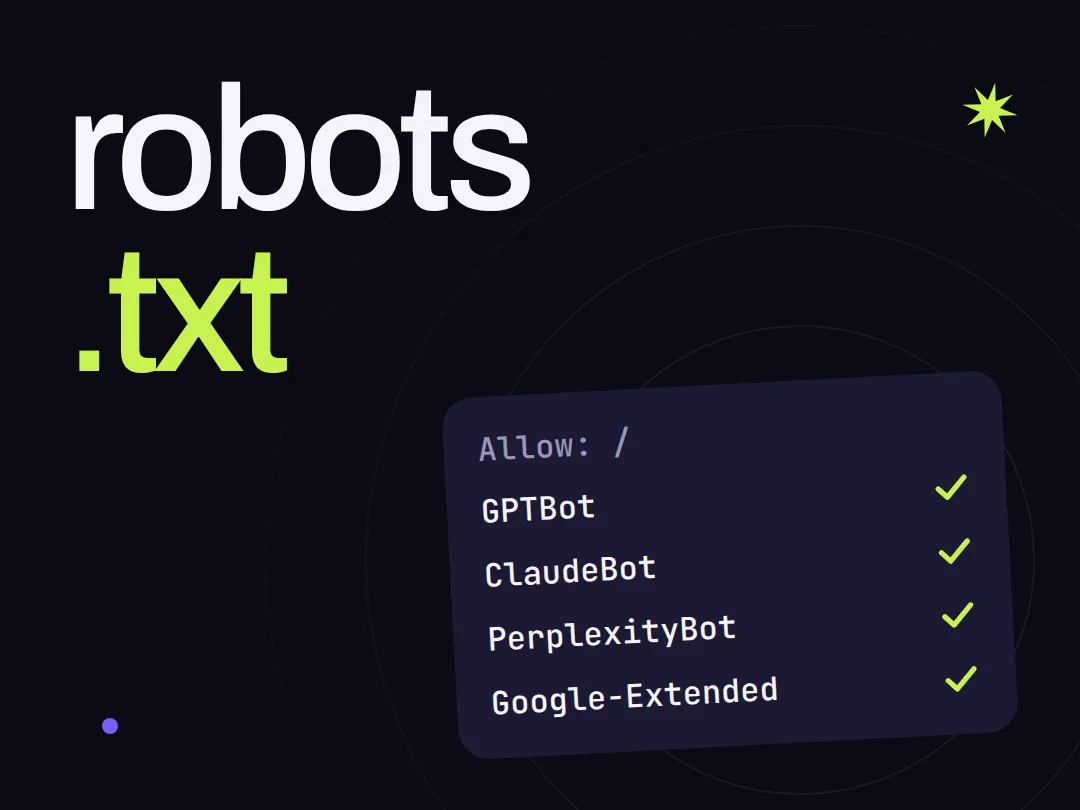
AIGROW sets up AI crawler access on one website for $290 paid once. We check what the main AI search and training crawlers can reach through your robots.txt, CDN and firewall rules, redirects and HTML, set the rules as you choose, fix your sitemap, submit it to Bing and IndexNow, and check again 30 days later.
What the setup does, and what it does not
A site can look fine in a browser and still turn AI crawlers away: an old robots.txt rule copied from another site, a CDN or firewall setting for AI bots, text that only appears after JavaScript runs, or a broken sitemap. Some crawlers fetch pages for AI search and answers, others collect pages to train AI models, and you choose which ones to let in.
- Checks what the main AI crawlers can reach on up to 10 pages: those that fetch pages for AI search and answers, such as OAI-SearchBot, Claude-SearchBot and PerplexityBot, and the training crawlers, such as GPTBot, ClaudeBot and CCBot
- Reads your robots.txt, your CDN or firewall rules for bots, the HTTP status and redirects of each page, and whether the main text is in the HTML before JavaScript runs
- Writes your choice down on a decision sheet: which crawlers to allow for search and answers, and which training crawlers to block, after we explain the trade-off in plain words
- Sets robots.txt and your CDN rule as you chose and fixes your XML sitemap, with the access you give us, or sends the files and exact steps to your developer
- Submits your sitemap to Bing Webmaster Tools and IndexNow where you give us access, and adds an llms.txt file if you want one
- Runs the same checks again after the changes and 30 days later
- It does not decide for you which crawlers to allow: we explain, you choose
- It does not promise that any AI assistant will cite, mention or recommend you, or any ranking
- It does not rebuild your site: if the main text only appears after JavaScript, we report it and write down what your developer needs to change
- It does not stop crawlers that ignore robots.txt: a rule states your preference, and some requests made for a user do not follow it
- It does not need your password: you invite hello@aigrow.gg, or create a temporary user for it that is removed after the report
From payment to the recheck
Each step and when it happens. Nothing changes on your site before you confirm your choices in writing.
One website, its crawler rules, one price
Paid once at checkout, which asks for your email and card. Right after payment we email you a short questionnaire and how to give us access without a password; the report follows within 5 working days of access.
What we need from you
Reply to our questionnaire with your site, its platform, your CDN or host, up to 10 pages and your choices. Then invite hello@aigrow.gg to your CDN account, your site platform or host, and Bing Webmaster Tools, or create a temporary user for that address. Never send a password by email.
What you receive
- A check of up to 10 pages for each main AI crawler: robots.txt, CDN and firewall rules, HTTP status and redirects, and the main text in the HTML
- A decision sheet with your choice for search and answer crawlers and for training crawlers
- robots.txt and your CDN rule set as you chose, or the files and exact steps for your developer
- Your XML sitemap fixed, and submitted to Bing Webmaster Tools and IndexNow where you give access
- An llms.txt file, if you want one
- A report with the same checks before and after, within 5 working days of access
- Our access removed after the report, and one recheck 30 days later
AI crawler access setup
$290Paid once at checkout. No subscription, nothing renews.
If we do not deliver what this page lists, or you change your mind before work starts, you get a full refund.
Why buy it from AIGROW
What you can check before you pay, and after the work.
- A fixed price
- $290, paid once. No subscription, nothing renews. Everything included is listed on this page before you pay.
- Proof you can check
- The report shows every page and crawler before and after: the robots.txt rule that applies, the CDN setting, the HTTP status and whether the main text is in the HTML. You can run the same check yourself with the free AI crawler check.
- A public method
- The first check is one you can run yourself: the free AI crawler check reads your robots.txt and requests a page as each crawler, in a few seconds, with no account. Run the free AI crawler check
Before you buy
What we check and change, and what the price does not promise.
Want to know what the assistants already say about you?
The service that fits next
Let the AI crawlers you choose read your site.
Pay once, give us access without a password, choose which crawlers to allow, and receive the report within 5 working days of access.
$290 · paid once · delivered as listed or refunded