
You can build AI agents with n8n by combining a chat model, memory, and tools within the visual AI Agent node. This guide explains how to deploy production RAG, manage multi-agent coordination, and understand when n8n's execution model limits complex reasoning.
- n8n provides an accessible, visual way to build AI agents using the LangChain framework, allowing operators to connect LLMs to 400+ business tools without writing code.
- True production AI workflows require a hybrid approach, often pairing n8n for SaaS integration with custom services for complex reasoning to avoid latency and state issues.
- The Sustainable Use License restricts how agencies can monetize n8n, making it crucial to understand the terms before offering it as a managed service to clients.
- Building a production-ready RAG system in n8n requires separating ingestion and querying workflows to maintain speed and reliability at scale.
Step 1: Understand the Core Components Before You Build AI Agents with n8n
When you build AI agents with n8n, you are essentially assembling four distinct components. Think of a commercial kitchen. The chat model is the chef, memory represents their recipe notes, and tools are the kitchen utensils.
But the system prompt is the customer's specific order. n8n implements AI agents with a dedicated AI Agent node built on the LangChain framework, so you must configure these four core components correctly. Supported chat models in n8n include ChatGPT, Claude, Gemini and local models run through Ollama.
Ollama runs models; choose a model that fits the workflow’s reasoning and privacy needs. Memory in n8n agents can use a simple window buffer or databases like Postgres and Redis for longer sessions.
If you fail to configure memory, your agent gets amnesia. And if you skip tools, it can only talk. It cannot act.
Unclear prompts, missing state design, and unrestricted tools are common failure modes. Test memory behavior, tool permissions, and recovery under representative cases before deployment., unstructured prompts and missing memory caused 40% of agent failures. Operators treat the system prompt as an afterthought.
It is actually the strict set of rules governing the chef's behavior.
Here is the system flow for a basic n8n agent setup. Before deploying your first agent, we recommend you follow this checklist strictly: - [ ] Select a chat model (OpenAI, Anthropic, or Ollama) - [ ] Configure a memory node (Postgres or Window Buffer) - [ ] Write a strict system prompt defining rules - [ ] Attach at least one tool for actions
Key Takeaway: An AI agent is only as good as its prompt and tools. Master the four core components before scaling.
What Is the Difference Between n8n and LangGraph for Complex Reasoning?
Use n8n when visual integrations and routine routing meet the requirements. Use a stateful code framework when the workflow needs complex branching, recovery, or testing that is hard to express in the visual graph. Validate the choice with the same representative workflow.
| Feature | n8n | LangGraph |
|---|---|---|
| Learning Curve | Low (Visual) | High (Code required) |
| State Management | Basic sequential | Complex cyclic branching |
| Best Use Case | SaaS integration, RAG | Multi-step reasoning loops |
| SDK Maintenance | Zero | High |
Here is how they compare. When you build AI agents with n8n, you trade deep programmatic control for speed of deployment.
Key Takeaway: Do not force n8n to handle complex reasoning it cannot manage. Use it as the front door. And let Python do the heavy lifting.
Step 2: Setting Up a Dual-Workflow Production RAG System
Use the right tool for the job. A workable production RAG in n8n has two workflows. One handles ingestion, and the other handles querying.
Beginners often try to cram both into a single flow, which leads to duplicate document processing and broken vector indices. You must separate these concerns. n8n supports major vector stores including Pinecone, Qdrant, Supabase, and an in-memory option for testing.
Do not use the in-memory option in production. It resets every time the server restarts.
Configuring the Ingestion Workflow 1. Trigger the workflow when a new file hits your storage (Google Drive or S3). 2. Extract text using a document loader node. 3. Split the text into chunks using the text splitter node. Keep chunks around 500 tokens. 4. Generate embeddings using an OpenAI or local model node. 5. Save the vectors to Pinecone or Supabase.
Configuring the Query Workflow 1. Start with a chat trigger or webhook to receive user questions. 2. Connect a vector store retrieval tool to the AI Agent node. 3. Feed the user query into the tool. The tool searches the vector database. 4. Pass the retrieved context back to the chat model. 5. Generate the final answer. Here is a sample payload from the retrieval tool.
{
 "query": "What is our remote work policy?",
 "matches": [
 {
 "score": 0.92,
 "text": "Employees can work remotely 3 days a week."
 }
 ]
}
To build AI agents with n8n that can answer questions about your proprietary data, follow these steps. This separation keeps your ingestion pipeline asynchronous, ensuring query latency stays low. If a user asks a question, the agent only queries the database.
Key Takeaway: Separating ingestion and query workflows is essential for keeping production RAG systems fast and manageable.
How Do You Implement True Multi-Agent Coordination in n8n?
Multi-agent coordination in n8n is the process of chaining single AI agents together in sequential pipelines, where one agent can delegate tasks to another using the AI Agent Tool. It is not a fully autonomous, self-organizing swarm.
Many operators misunderstand this. They expect agents to negotiate with each other dynamically. n8n does not support autonomous swarms out of the box. Instead, it supports structured delegation. A primary agent receives a prompt. It then uses the AI Agent Tool to call a secondary agent.
Common agent patterns in n8n include customer support, lead qualification, RAG, email draft, data analyst, and internal helpdesk agents. You might build a lead qualification agent that hands off to a data analyst agent to enrich the contact data.
Consider these limitations before you build AI agents with n8n using this pattern: - Context loss: Passing full state between agents requires careful prompt engineering. - Latency: Each agent call adds round-trip time to the LLM provider. - Error handling: If the secondary agent fails, the primary agent often hallucinates a response.
To deploy this safely, design rigid handoff protocols. The primary agent should only pass structured JSON to the secondary agent. The secondary agent should parse this JSON, perform its task, and return a strict JSON response.
{
  "task": "enrich_lead",
  "input_data": {
    "company_name": "Acme Corp",
    "domain": "acme.com"
  }
}
Without this rigid structure, agents talk past each other. They consume tokens rapidly without completing tasks.
Key Takeaway: Manage expectations for multi-agent workflows. n8n excels at sequential delegation, not dynamic autonomous collaboration.
Step 3: Integrating LLM-Level Observability With Langfuse
They consume tokens rapidly without completing tasks. Most beginner tutorials ignore observability. If you cannot see your token costs and latency, your agent is a black box.
You must track LLM inputs and outputs just as rigorously as workflow success rates. n8n's execution model adds overhead that can cause sub-second latency issues at scale. Every node adds milliseconds.
By the time your request hits the LLM, returns, and processes through the visual nodes, you might face unacceptable delays. Langfuse is an open-source LLM engineering platform.
It tracks prompt versions, token costs, and output quality. You can route n8n execution logs into Langfuse by configuring a custom HTTP request node to send trace data after each LLM call. Interestingly, n8n's AI Workflow Builder can generate a starter agent from a text prompt.
But these starter agents lack production observability. You must add it manually. Do not trust a text prompt to generate your entire production stack.
Monthly Token Cost Calculator
Estimate your monthly LLM API spend for n8n agents.
Calculate your potential token costs before scaling. When you build AI agents with n8n, observability is not optional.
Key Takeaway: Integrate Langfuse immediately. Tracking LLM inputs and outputs is critical for diagnosing latency and cost overruns in production.
Building with AI models? AIGROW API credit runs Claude, GPT and Grok models up to 75% below list price.
The Contrarian View: Why n8n Is Not a Silver Bullet for Complex AI Workflows
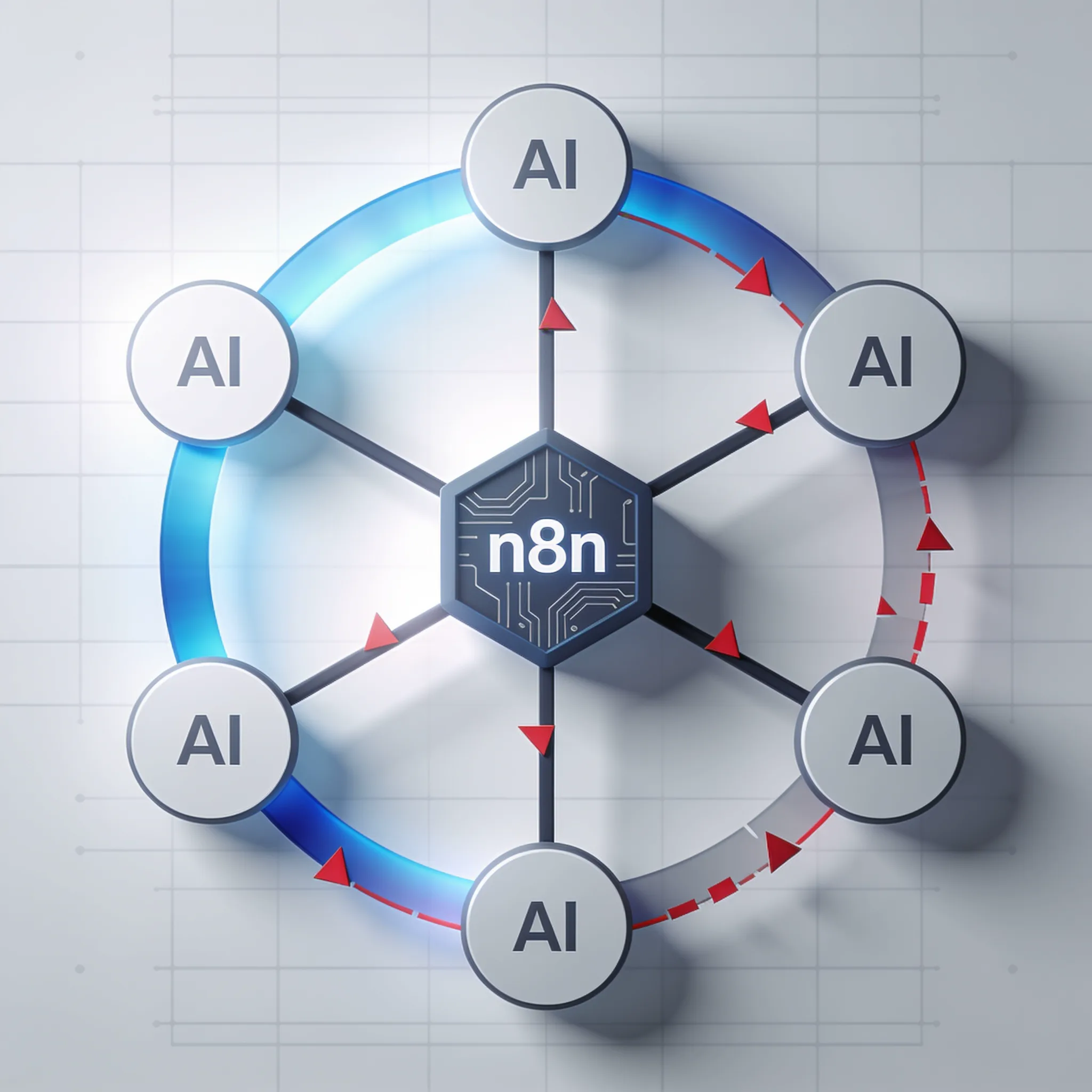
It is your insurance policy against runaway API bills and silent failures. Visual builders cannot handle all AI workloads. The prevailing wisdom in 2026 is that no-code platforms can replace engineering teams entirely, which is a dangerous myth.
n8n's visual execution model adds inherent overhead. It causes latency issues at scale. Every node represents a JavaScript operation parsed at runtime.
And the platform struggles with complex branching state. If your agent needs to loop back on itself five times based on nuanced logic, the visual canvas becomes a tangled mess.
Visual builders often cause this rigidity. Operators hit a wall when the logic exceeds the canvas capabilities. You must know when to exit n8n.
In production systems, n8n is often used as an ingress and orchestration layer. LangGraph or custom Python handles complex reasoning. Do not force the visual canvas to do what a Python script does better.
When does n8n fail? - High-throughput data streams: The node parser cannot process thousands of concurrent events efficiently. - Cyclic reasoning: Loops with conditional exits break the visual flow logic.
- Custom mathematical logic: The code node exists, but it is clumsy for heavy data transformation. When you build AI agents with n8n, treat it as a smart router.
Key Takeaway: Know when to exit n8n. Use it for ingress and basic orchestration, but offload complex reasoning to custom Python services.
Navigating the Sustainable Use License for Agencies and Consultants
It receives the request, checks auth, logs the event, and passes the payload to a dedicated reasoning service. n8n uses the Sustainable Use License, not standard open source (OSI). This distinction is critical for operators.
It restricts offering it as a managed service. You cannot host n8n, slap a custom UI on it, and sell it as your own SaaS. But n8n is fair-code and self-hostable.
This allows businesses to run agents on their own infrastructure and keep data in-house. Agencies and consultants can still build and deploy agents for clients legally. You just cannot offer n8n itself as the hosted product.
To build AI agents with n8n as a consultant, we recommend following these rules: - Deploy n8n on the client's own infrastructure (AWS, DigitalOcean, or their on-prem servers). - Transfer ownership of the workflows to the client. - Do not charge clients a monthly fee to access your hosted n8n instance.
- Charge for your development time and ongoing maintenance of their self-hosted instance.
Key Takeaway: Licensing compliance is non-negotiable. Deploy on client infrastructure and charge for your expertise, not for software rental.
Step 4: Scaling Your Business With n8n SaaS Integrations
Assess your readiness for these licensing waters. n8n exposes its 400-plus app integrations as tools. This allows agents to read a CRM, send Slack messages, query databases, or call APIs directly.
Jahanzaib also reports n8n has ~1,000 total integrations, Make has ~1,500, and Zapier has 8,000+. Do not be fooled by raw numbers. Zapier has volume.
n8n has depth, especially when you build AI agents with n8n and expose those integrations natively to the LLM as callable functions. Zapier does not natively expose its entire app directory to the agent as tools in the same that platform way.
The direction of travel is that the future of enterprise software is AI agents interacting with APIs, not humans clicking UIs." Here is how to connect a CRM tool to an n8n agent. 1.
Add an HTTP Request tool to your AI Agent node. 2. Name the tool "Fetch_HubSpot_Contact".
3. Write a clear description for the LLM. "Use this tool when the user asks about a specific contact's details."
4. Configure the HTTP node to call the HubSpot API. 5.
Pass the user's extracted entity (like an email) as a query parameter.
{
 "method": "GET",
 "url": "https://api.hubapi.com/crm/v3/objects/contacts",
 "authentication": "genericCredentialType",
 "genericAuthType": "httpHeaderAuth",
 "sendQuery": true,
 "queryParameters": {
 "parameters": [
 {
 "name": "email",
 "value": "={{ $json.email }}"
 }
 ]
 }
}
Here is the HTTP node configuration payload: Your agent now has hands. It can fetch live data to ground its responses.
Key Takeaway: Integration strategy matters more than integration count. Expose the 400+ n8n tools to your agents to turn static workflows into dynamic systems.
The newest Claude, GPT and Grok models, up to 75% below list price
One API key for Claude, GPT and Grok models. It works with the OpenAI and Anthropic SDKs and with Claude Code.
Each model’s rate through AIGROW credit sits beside its maker’s list price, never above it.
Frequently Asked Questions
