
Customer onboarding automation with AI replaces static product tours with intent-aware conversations that adapt to what each user is trying to do. This guide covers why legacy tours fail, how to architect the onboarding stack from scratch, how to design the first 90-second conversation, and the grading logic needed to run these systems at scale.
- Measure 14-day activation against your existing onboarding flow before expanding conversational AI to more users.
- Static intake forms and legacy tour overlays give every user the same path; AI-native onboarding replaces them with a 90-second intent-extraction conversation.
- A robust AI onboarding architecture requires an LLM, a vector database for intent routing, and a CRM webhook for structured data write-backs.
- Outcome-Graded Activation shifts the focus from counting feature clicks to evaluating whether the user achieved a meaningful underlying business result.
- Despite the hype for full autonomy, the 10-20-70 rule shows the most effective implementations blend 10% fully autonomous tasks, 20% AI-assisted, and 70% human-led with AI support.
Why Should You Replace Legacy Product Tours with AI Customer Onboarding Automation?

If you are still building click-through guides, you are losing users. Customer onboarding automation with AI uses large language models to replace static product tours with dynamic, intent-aware conversations. This approach captures user context in real-time, allowing systems to generate personalized activation paths rather than forcing users through generic checklists that ignore their specific roles.
A pilot can test whether conversational onboarding improves activation for your users.
Legacy product tours assume every user needs the same 5-step walkthrough. They do not. A marketing manager needs to connect ad spend data, and a data engineer needs to verify pipeline schema, but static tours cannot distinguish between these roles.
Why dump identical content into the interface? It creates massive friction and drives churn.
For a hypothetical SaaS onboarding pilot, track activation, time to first value, unresolved questions, correction rate, and support escalation. Use the company's baseline and observed pilot values rather than an invented cross-company dataset.
| Feature | Legacy Tours (Pendo, Appcues) | AI Conversational Layer |
|---|---|---|
| Architecture | DOM injection, static rules | Event-driven, LLM-native |
| User Intent | Pre-selected dropdowns | Inferred from open text |
| Activation Path | Generic checklists | 3-step personalized flow |
| Data Write-Back | Basic event tracking | Structured CRM objects |
| 14-Day Activation | Measure the existing flow | Measure the pilot against that baseline |
They rely on exact selectors that break when UI updates. But AI conversational layers sit outside the UI. They ingest behavioral events, process intent via an LLM, and output guidance through a chatbot or dynamic banner, which makes them highly resilient to product changes.
Building customer onboarding automation with AI requires a specific stack. You need an LLM for reasoning, a vector database for retrieval, and event-driven webhooks for CRM integration.
Step 1: Architecting Your AI Onboarding Tech Stack from Scratch
A decoupled event stream can reduce direct changes to the existing database, but it adds delivery, ordering, replay, privacy, and observability requirements. Validate those tradeoffs against the actual system.
These models classify intent and extract constraints from conversational inputs. They do not store state. State belongs in your primary application database, so keep the LLM entirely stateless to avoid bloated context windows.
Next, deploy a vector database like Pinecone or Weaviate. This acts as your knowledge base.
When a user asks a specific question about API limits, the system retrieves the exact documentation chunk. This grounds the LLM, preventing hallucinations. Every AI onboarding conversation must write back to the CRM as a structured object containing intent, constraints, blockers, named competitors, and 'why now' so your marketing and sales routing logic can trigger immediately.
This data feeds your revenue engine directly. Here is the core architecture flow:
We use a strict JSON schema for this write-back. Measure time-to-first-value before and after a pilot to see whether the workflow helps new users reach a useful result sooner. The webhook writes directly to HubSpot or Salesforce, triggering a Slack alert for the account executive if a high-value intent is detected so your team never misses an upsell signal.
{
 "event_type": "onboarding_conversation_completed",
 "user_id": "usr_8821",
 "session_data": {
 "intent": "Migrate DB from Heroku",
 "constraints": ["Budget under 500/mo", "Needs SSO"],
 "blockers": ["Cannot export CSV from current tool"],
 "competitors": ["Heroku", "Supabase"],
 "why_now": "End of quarter migration push"
 },
 "crm_sync": {
 "object_type": "lead",
 "properties": {
 "onboarding_status": "activated",
 "intent_category": "database_migration"
 }
 }
}
This closes the loop between product usage and revenue generation. Do not leave this data in a silo. The first interaction after signup is a 90-second AI conversation that replaces static role and team size forms with 3 to 5 open questions about why the user is here and what success looks like.
Step 2: Designing the 90-Second First-Run Conversation
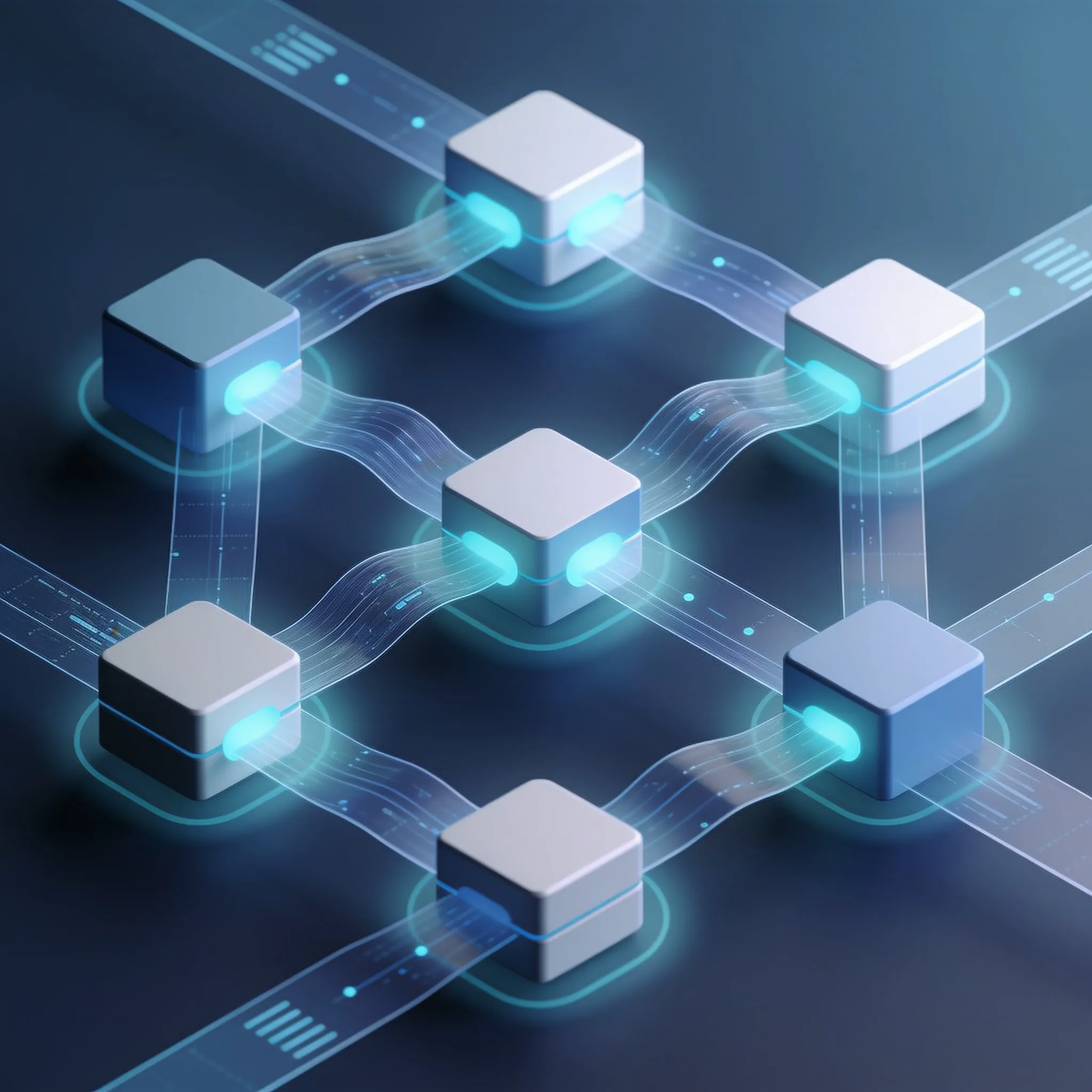
Intent extraction can be wrong even when output matches a JSON schema. Validate the meaning against reviewed cases, route low-confidence results to staff, and track corrections during the pilot.
We force the model to output its findings into a rigid structure that feeds the activation path generator. Here is a Python code snippet demonstrating a prompt template that structures the LLM output: client = Anthropic()
import json
from anthropic import Anthropic


prompt = f"""


You are an onboarding diagnostic assistant. Read the user's responses and extract their core intent. Output strictly valid JSON matching this schema: {{ "primary_goal": string, "use_case": string, "technical_level": "beginner" | "intermediate" | "advanced", "activation_path": ["step_1", "step_2", "step_3"] }} User responses: {user_responses} """ response = client.messages.create( model="claude-sonnet-5-5", max_tokens=1024, messages=[{"role": "user", "content": prompt}] ) return json.loads(response.content.text)
This personalizes the first task based on user role, ensuring a marketing user sees a path to connect ad accounts while a data engineer sees a path to configure API keys. The system tracks progress on these specific paths. To design your 90-second conversation, follow these rules: 1.
Start with a broad goal question: "What brings you here today?" 2.
Follow up on their specific mention: "You mentioned X. What are you trying to achieve with that?" 3.
Identify constraints: "What tools are you currently using for this?" 4. Define success: "What would a win look like in your first week?"
This sequence extracts deep insights without feeling like an interrogation. The chatbot handles the friction. The user just talks.
Step 3: Implementing Outcome-Graded Activation and CRM Write-Backs
Outcome-Graded Activation is an evaluation method where AI determines if a user reached a meaningful underlying result rather than simply completing UI tasks. Customer onboarding automation with AI uses this logic to evaluate asynchronous behavioral signals and trigger follow-up conversations based on actual user success.
We must stop counting clicks. Clicking "create project" does not mean the user created value. This requires behavioral event tracking tied to semantic meaning.
The welcome email series is dead. Getperspective (2026) notes that the welcome email series is being replaced by async AI conversations triggered by behavioral signals. If activation stalls at 24 hours, the AI initiates a check-in.
It asks what is blocking them. It does not send a generic newsletter.
Here is pseudo-code for the grading logic that replaces standard email drip campaigns:
def evaluate_activation_status(user_events: list) -> str:
    # Define meaningful outcomes
    shipped_shared_item = any(e.name == "item_shared" for e in user_events)
    connected_core_integration = any(e.name == "integration_connected" for e in user_events)

    if shipped_shared_item and connected_core_integration:
        return "Fully Activated"
    elif connected_core_integration and not shipped_shared_item:
        # Stalled after integration
        trigger_ai_follow_up(intent="share_project")
        return "Partial Activation"
    else:
        # Stalled early
        trigger_ai_follow_up(intent="unblock_setup")
        return "At Risk"
This logic ensures your clients receive help exactly when they stall. The AI reads the event stream, identifies the gap, and generates a specific, context-aware message. This saves your support team from answering repetitive setup questions.
AI Onboarding Cost vs. Manual Cost
Calculate your monthly savings by replacing manual onboarding calls with AI conversations.
Implementing this grading system requires a robust event pipeline. You need a data warehouse like Snowflake or BigQuery to store raw events. The grading service runs as a cron job, scanning for stalled users every hour.
It passes the context to the LLM, which decides whether to trigger a follow-up chatbot message.
Ready to see what AI can do for your operations?
Delivers in 3-5 business days. No commitment required.
The Uncommon Insight: Why End-to-End Automated Onboarding Still Fails
The industry assumes 100% automation is the goal. It is not. If you try to automate document verification entirely, you risk compliance failures and fraud. AI can flag anomalies.
But a human must verify them. We use the 10-20-70 rule. This is the optimal operational model, proving that AI-assisted human workflows outperform fully autonomous systems in complex B2B environments. Why does end-to-end automation still fail?
The reason is trust and liability. A chatbot cannot sign a master service agreement. It cannot negotiate custom security terms.
As Andrew Ng put it at Stanford GSB, AI is the new electricity. It powers the grid, but you still need electricians to wire the buildings, and your customer success managers are those electricians. They handle the 70% of tasks that require negotiation, empathy, and custom solutions.
The AI builds the knowledge base and prepares the context so the human can work faster. Do not try to replace your team. Arm them.
AI Onboarding Readiness Assessment
Find out if your organization is ready to deploy AI-assisted onboarding.
How is your user data currently stored?
The AI should handle the repetitive 10% and assist with the 20%. Your humans should focus on the 70% where relationships matter, which is how this hybrid approach yields the highest activation rates and the lowest churn. Data privacy in AI onboarding requires redacting personally identifiable information before sending data to external LLM APIs and createing local models for sensitive document verification.
Customer onboarding automation with AI must balance conversational flexibility with strict compliance boundaries, ensuring operational costs remain predictable as token usage scales.
How Do You Handle Data Privacy and Compliance When Feeding Onboarding Data to LLMs?

You cannot send raw user input to OpenAI or Anthropic if it contains sensitive data. You must implement a PII redaction layer. We use Microsoft Presidio to scan text before it hits the LLM.
This strips names, emails, and phone numbers. The LLM receives sanitized context. It processes intent without touching private data.
For sensitive document verification, do not use external APIs. Deploy a local model instead. Llama 3 or Mistral running on your own AWS instances can verify document authenticity without data leaving your VPC.
This orchestration must happen within your security perimeter. Costs scale quickly. Every conversation costs tokens. This mass adoption means token costs are now a primary line item for SaaS companies. You must track your token spend. We cap conversations at 10 turns.
If a user exceeds 10 turns, the chatbot routes them to a human. This prevents runaway costs from confused users looping the bot. We also cache common queries in our knowledge base to avoid redundant LLM calls.
Track token costs separately: * Input tokens are billed at the selected model’s input rate. * Output tokens have their own model-specific rate. * Unneeded context increases the input bill.
If a user uploads a 10-page contract, do not pass the entire text to the LLM. Use a vector search to find the relevant 500 words. Pass only those words to the LLM.
This reduces input tokens; the saving depends on the text length and model prices. Customer onboarding automation with AI is only sustainable if you engineer for cost efficiency from day one.
Stop guessing. Start building with a clear roadmap.
Fast delivery. Measurable outputs. Security-first.
Frequently Asked Questions
