Microsoft 365 and Google Workspace security setup: your tenant checked against the CISA baselines, MFA and admin roles set with your approval, and a dated summary for your insurer or customers
$490Fixed price, paid onceWithin 5 working days of access, and a check 30 days later
Nothing changes before you approve it. Delivered as listed, or refunded in full.
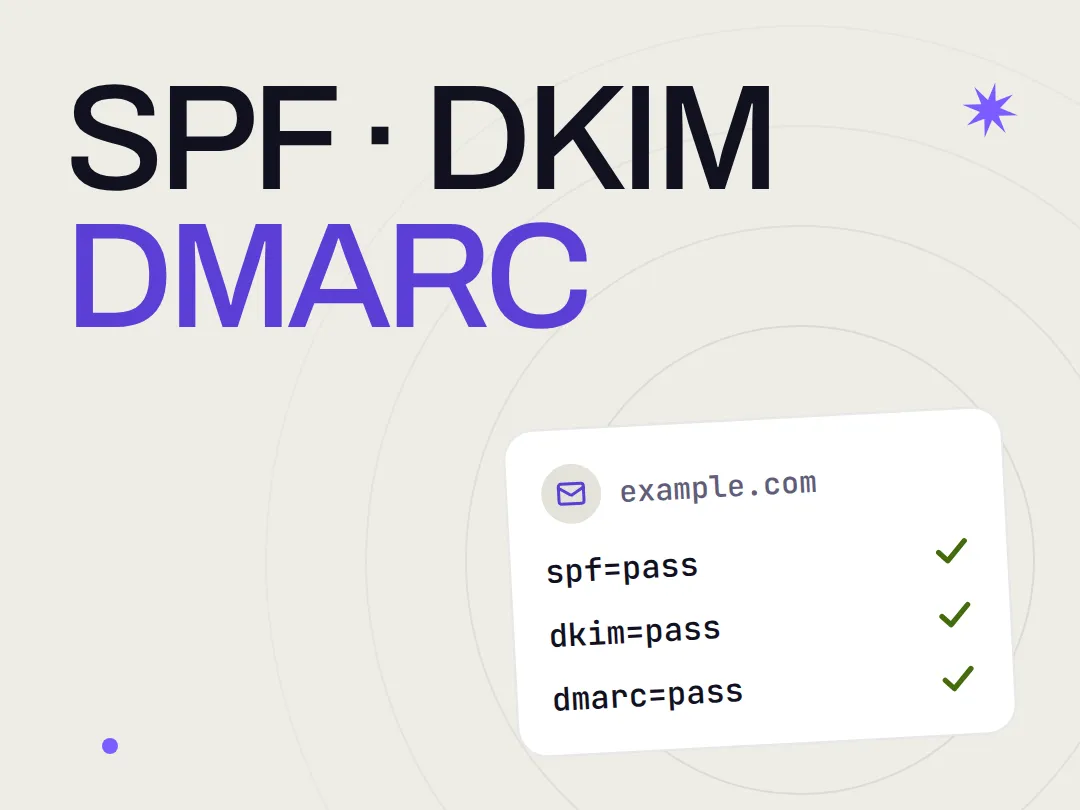
AIGROW reviews one Microsoft 365 or Google Workspace tenant of up to 50 users against the CISA secure configuration baselines for $490, paid once. With your approval we turn on MFA for every user, reduce admin roles, block legacy authentication and set sharing and email protection. You get a one-page summary for your insurer or customers.
What the setup does, and what it does not
Cyber insurance forms, customer security questionnaires and NIS2 supplier requests ask about the same settings: MFA for everyone, who holds admin rights, how email is protected and what can be shared outside. A tenant set up years ago with its defaults may not give the answers you want to write. We check each setting and change it with your approval.
- Reviews your tenant against the CISA SCuBA secure configuration baseline for Microsoft 365 or Google Workspace, and reads Microsoft Secure Score or the Google Workspace security health page where your edition has it
- Requires MFA for every user, and a security key or passkey for admins where your plan allows it
- Reduces admin roles to the people who need them, and keeps a break-glass account for emergencies
- Blocks legacy authentication, the older sign-in methods that skip MFA
- Sets external sharing and guest access to what you choose
- Sets email protection: anti-phishing, Safe Links and Safe Attachments where your plan includes Microsoft Defender for Office 365, or the Gmail safety settings, with SPF, DKIM and DMARC checked
- Turns on audit logging, and blocks automatic forwarding to outside addresses or lists each forward you keep
- Marks every finding as fixed, left as is by your choice, or waiting for your decision
- It is not a penetration test: we read and change settings, and never try to break in
- It does not promise that you pass an insurance application, a customer review or an audit
- It does not sell you licences or move you to another plan: we tell you what your plan allows
- It does not manage laptops and phones, or apps outside Microsoft 365 or Google Workspace
- It never needs the password of anyone on your team: you create a temporary account for us and delete it when we finish
From payment to the check at day 30
Each step and when it happens. Nothing changes in your tenant before you approve it.
One tenant, up to 50 users, one price
Paid once at checkout, which asks for your email and card. Right after payment we email you a short questionnaire and the steps to create a temporary admin account for us; the review, the changes you approve and the summary are done within 5 working days of access.
What we need from you
Reply to our questionnaire with your platform and plan, the number of users, who must keep admin rights, what you want to share outside the company, and any insurance form or questionnaire you must answer. Then create a temporary admin account for us in your own tenant and send its sign-in through a one-time secret link. Never send a password by email.
What you receive
- A review of your tenant against the CISA SCuBA baseline, with Microsoft Secure Score or the Google Workspace security health page where your edition has it
- A change list to approve item by item before anything changes
- MFA required for every user, and phishing-resistant sign-in for admins where your plan allows
- Admin roles reduced to who needs them, with a break-glass account
- Legacy authentication blocked
- External sharing and guest access set to what you choose
- Email protection set, with SPF, DKIM and DMARC checked, audit logging on and outside forwarding blocked or listed
- A one-page summary of what is in place and the date, to attach to an insurance or customer questionnaire
- A check 30 days later that the settings held
Microsoft 365 and Google Workspace security setup
$490Paid once at checkout. No subscription, nothing renews.
If we do not deliver what this page lists, or you change your mind before work starts, you get a full refund.
Why buy it from AIGROW
What you can check before you pay, and after the work.
- A fixed price
- $490, paid once. No subscription, nothing renews. Everything included is listed on this page before you pay.
- Proof you can check
- Every finding in the report names the CISA baseline policy it comes from, such as MS.AAD.3.2v2, which says MFA shall be enforced for all users, so you can read the same rule yourself. The summary lists what is in place and the date we read it.
- A public method
- The free email spoofing checker reads the SPF, DKIM and DMARC records of your domain from public DNS, one of the checks in this setup, so you can see that part before you pay and again after the work. Run the email spoofing checker
Before you buy
Access, plans and licences, and what the summary can and cannot say.
DMARC still at none?
The service that fits next
Know what your tenant has in place before you fill in the security form.
Pay once, create a temporary admin account for us, and receive the changes you approve and the one-page summary within 5 working days of access.
$490 · paid once · delivered as listed or refunded